Toggl
Toggl is a time tracking platform that helps individuals and teams monitor work hours and gain productivity insights.
Website
Industry
Collaboration
Share this article:

How to customize appearance settings in Toggl

Here is how to customize appearance settings in toggl

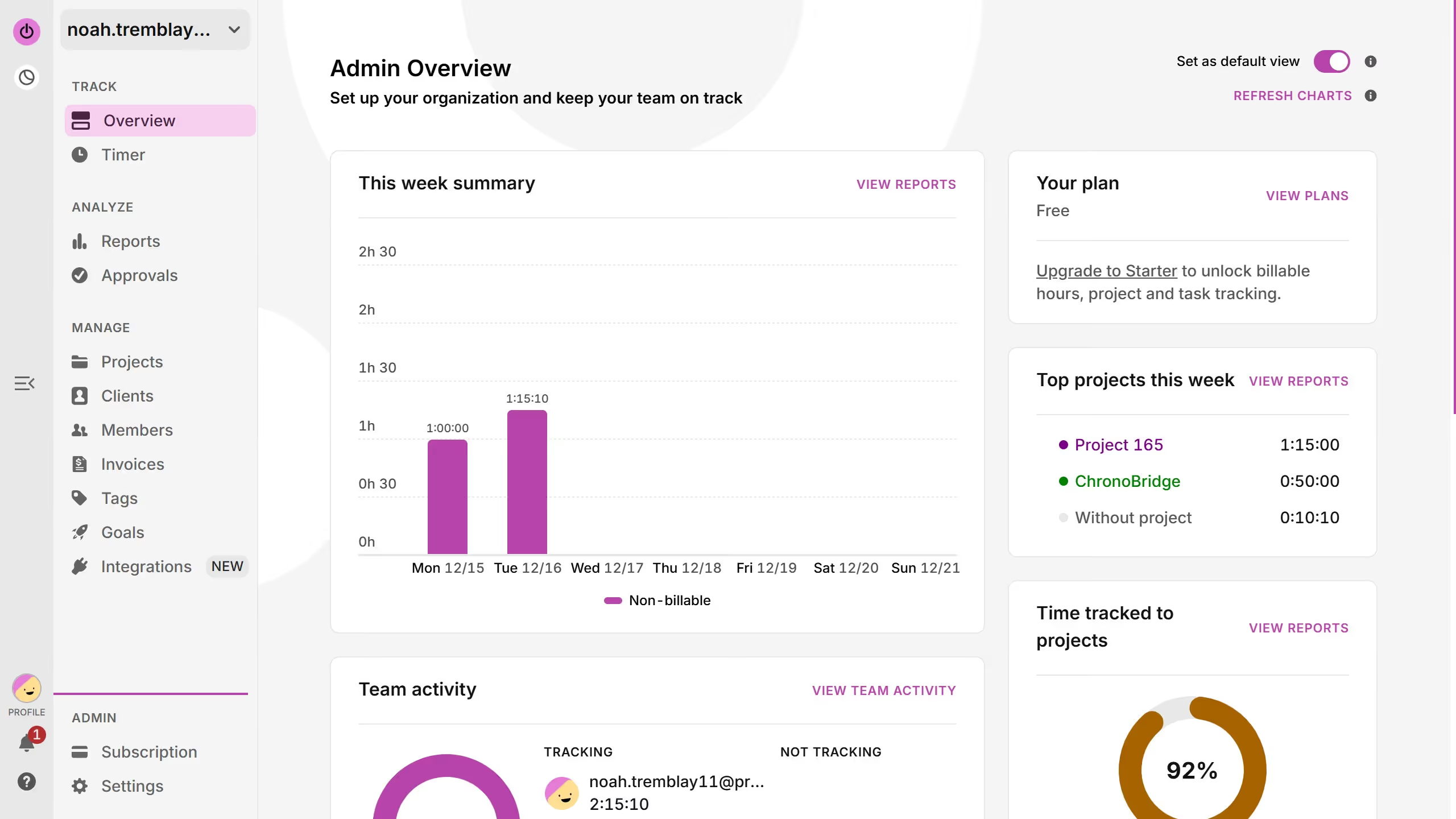
  1. First click on your profile avatar in the lower left corner of the sidebar
  2. Then click on the "Profile settings" option from the menu
  3. Next click on the "Account settings" button
  4. Then click on the "Appearance" option in the left sidebar menu
  5. Next click on the "System" dropdown menu
  6. Finally select your preferred appearance options from the theme dropdown menu

Create your own interactive guide with Guideflow

Why should you customize appearance settings in Toggl

Toggl is a versatile tool designed to effortlessly track time and boost productivity.

Customizing appearance settings in Toggl enhances the user experience by providing an interface tailored to individual preferences.

These personalization options help streamline workflow, ensuring that the layout and theme align with personal or brand aesthetics.

By making Toggl visually appealing and intuitive, users can maintain focus, ultimately fostering a more efficient and enjoyable productivity environment.


Last update
March 13, 2026
Cursor MariaA cursor points to a button labeled "James."

Create your first demo in less than 30 seconds.