Toggl
Toggl is a time tracking platform that helps individuals and teams monitor work hours and gain productivity insights.
Website
Industry
Collaboration
Share this article:

How to assign a project to an existing client in Toggl

Here is how to assign a project to an existing client in toggl

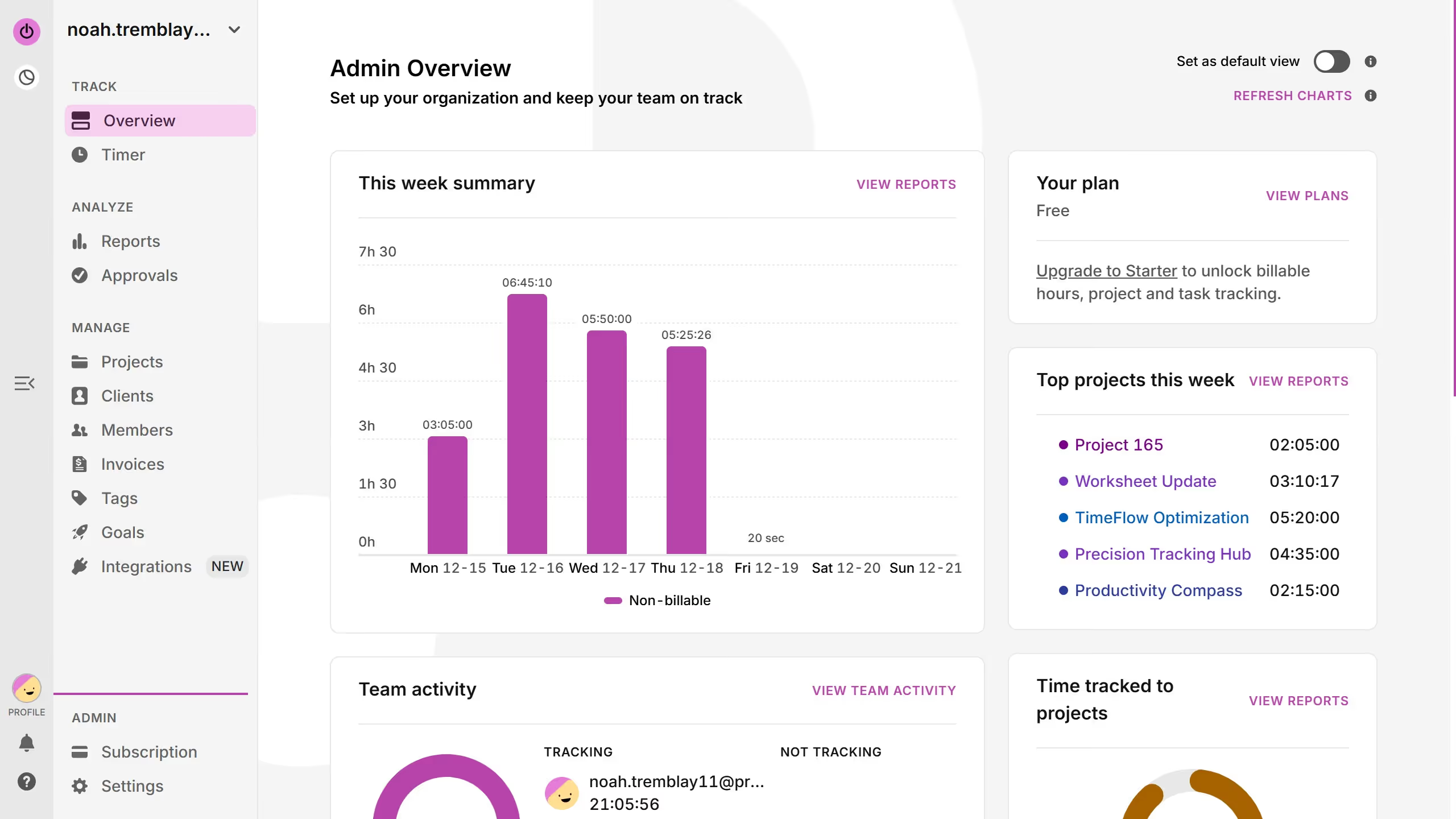
  1. First click on "Projects" link in the sidebar under the MANAGE section
  2. Then click on the three-dot menu button next to the project you want to assign
  3. Next click on "Edit project" option from the dropdown menu
  4. Click on "ADVANCED OPTIONS" button to expand additional settings
  5. Next click on the "CLIENT" dropdown field to view available clients
  6. Then choose the existing client from the dropdown option
  7. Finally click on the "Save" button to save changes

Create your own interactive guide with Guideflow

Why should you assign a project to an existing client in Toggl

Toggl is a powerful time-tracking tool designed to simplify project management and boost productivity.

Assigning a project to an existing client in Toggl is seamless, saving time and enhancing workflow efficiency. This feature allows users to keep all client projects organized under one account, creating a clear overview of tasks and deadlines.

Utilizing this feature helps in maintaining a structured work environment, facilitating better communication, and ensuring clients are up-to-date with project progress. Collaboration becomes effortless, enabling teams to stay focused on delivering quality results.


Last update
March 13, 2026
Cursor MariaA cursor points to a button labeled "James."

Create your first demo in less than 30 seconds.