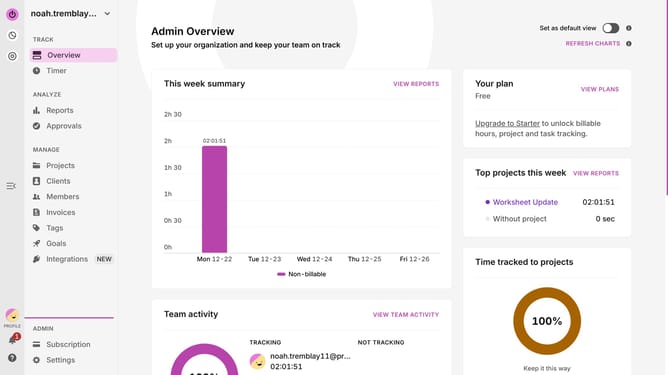
How to archive a project in Toggl
Here is how to archive a project in toggl
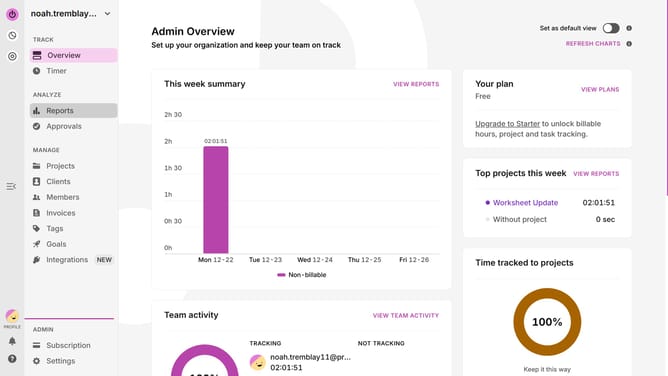
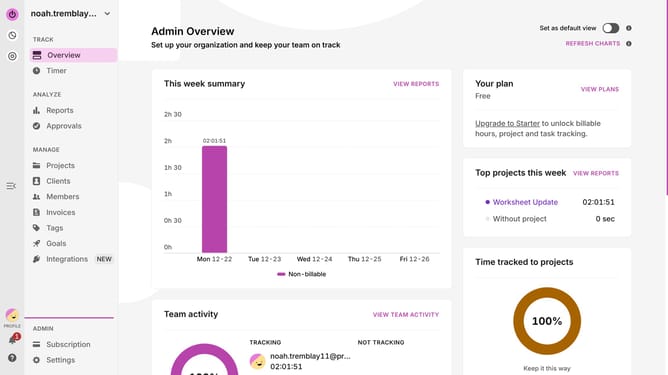
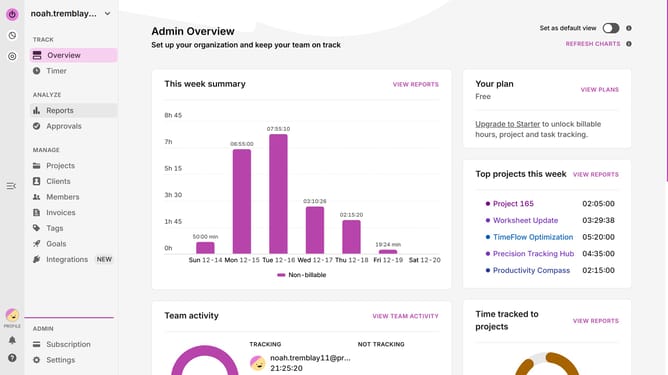
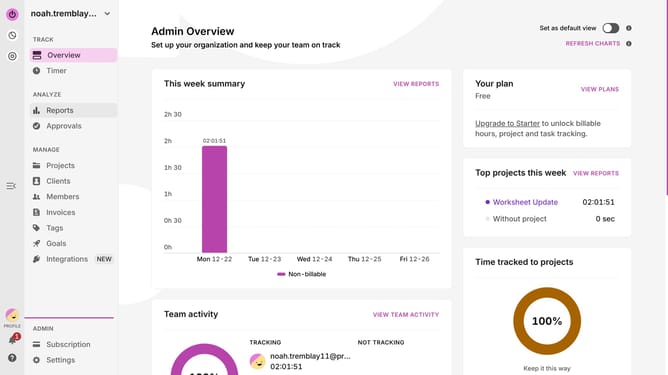
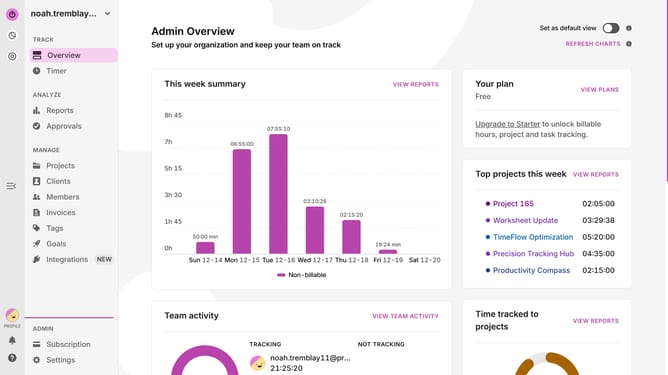
- First click on "Projects" link in the left sidebar
- Click the three-dot menu button for the project you want to archive
- Finally click on "Archive" option in the dropdown menu
Why should you archive a project in Toggl
Toggl is a powerful tool designed to effortlessly track time and boost productivity.
Archiving a project in Toggl is a seamless feature that helps streamline your workspace by moving past projects out of sight, yet within reach.
This approach not only declutters your view, allowing you to focus on active tasks, but also keeps your historical data intact and accessible for future reference.
Overall, archiving optimizes your project management flow, ensuring a more organized and efficient working environment.
Last update