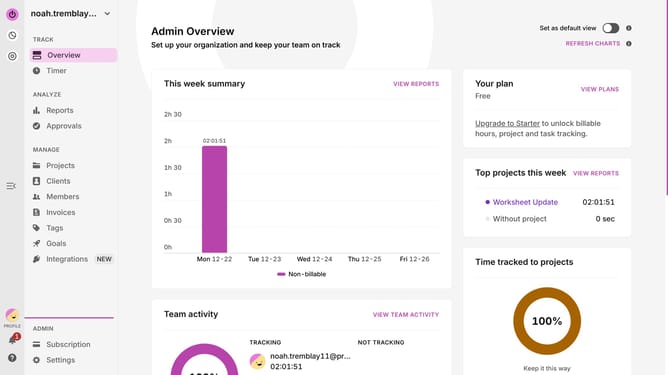
How to start a time entry in Toggl
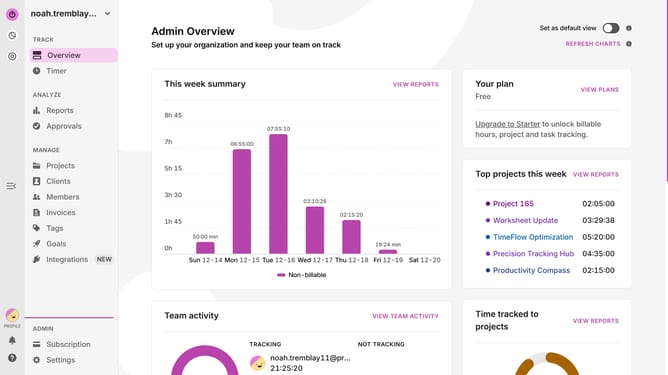
Here is how to start a time entry in toggl
- First click on the "Start timer" button in the top right corner of the header
- Then click on the "Add a description" text field in the top toolbar
- Continue working while the timer runs
- Once done, click on the "Stop timer" button in the top right corner of the header
Why should you start a time entry in Toggl
Toggl is your ultimate tool for effortless time tracking and project management.
Starting a time entry in Toggl is a breeze, offering a seamless way to begin tracking your tasks and projects. By simply initiating a time entry, you gain insight into how your time is spent, helping you increase efficiency and productivity.
This feature is essential for both individuals and teams seeking to understand and optimize their time allocation. With Toggl, stay focused and organized, allowing you to achieve more in less time.
Last update