Toggl
Toggl is a time tracking platform that helps individuals and teams monitor work hours and gain productivity insights.
Website
Industry
Collaboration
Share this article:

How to set an indefinite goal in Toggl

Here is how to set an indefinite goal in toggl

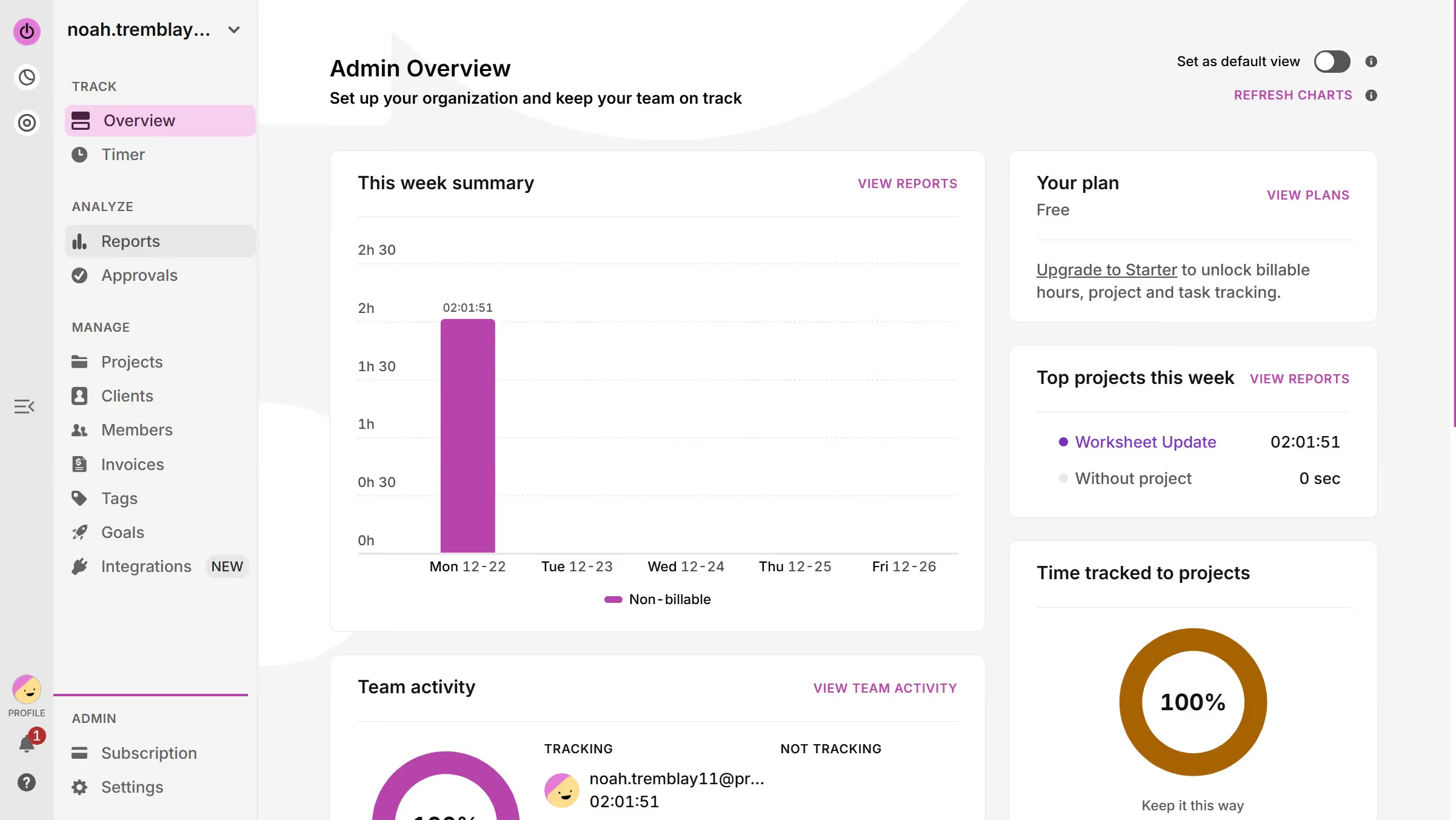
  1. First click on "Goals" link in the sidebar under the MANAGE section
  2. Then click on "New goal" button in the top right corner of the page
  3. Then click on the "Goal name" text input field in the Create a goal dialog
  4. Then add your required hours everyday
  5. Then click on the "No end date" checkbox
  6. Finally click on the "Create goal" button to submit the form

Create your own interactive guide with Guideflow

Why should you set an indefinite goal in Toggl

Toggl is a powerful tool designed to enhance productivity through smart time tracking.

One of its standout features is the ability to set indefinite goals, providing flexibility in managing ongoing projects.

This feature is ideal for projects that don’t have a specific end date, allowing for continuous progress without the pressure of arbitrary deadlines.

Using indefinite goals in Toggl helps maintain focus and motivation, ensuring sustained productivity over time. Such adaptability in goal setting aligns perfectly with dynamic workflows that require prolonged attention and incremental development.


Last update
March 13, 2026
Cursor MariaA cursor points to a button labeled "James."

Create your first demo in less than 30 seconds.