Toggl
Toggl is a time tracking platform that helps individuals and teams monitor work hours and gain productivity insights.
Website
Industry
Collaboration
Share this article:

How to move time to another project in Toggl

Here is how to move time to another project in toggl

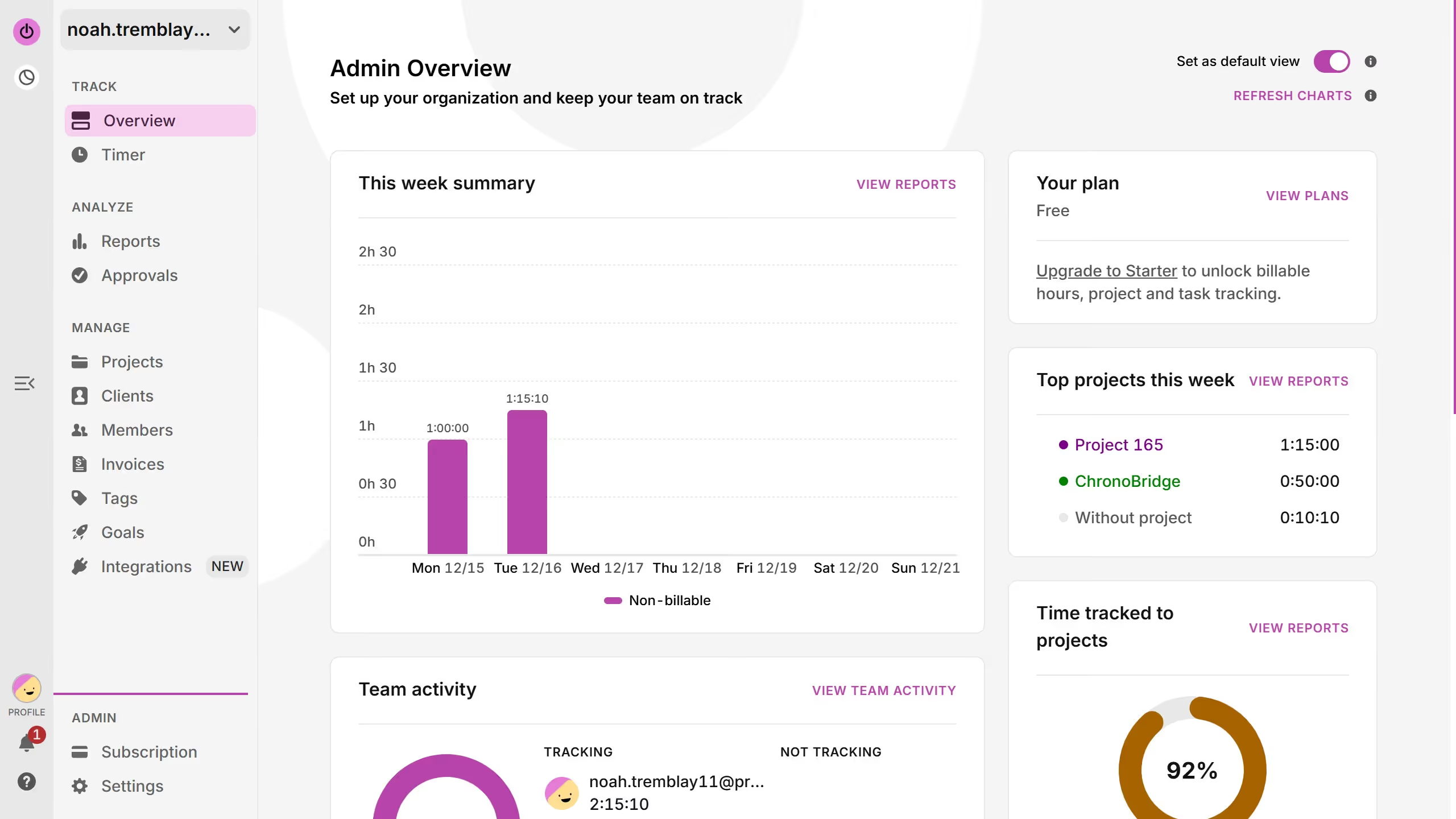
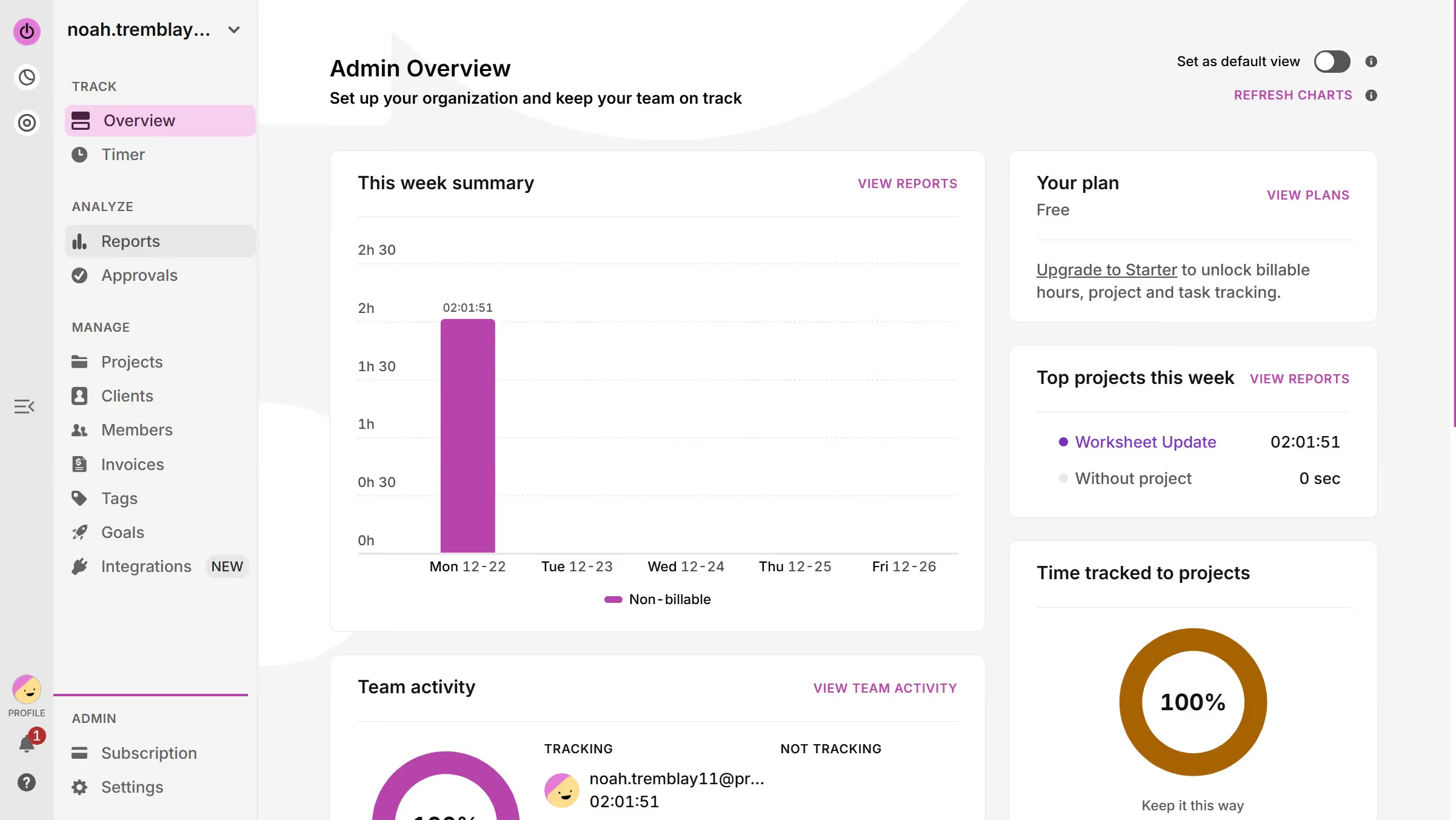
  1. First click on the "Timer" menu item in the left sidebar under the TRACK section
  2. Then click on the time entry you want to move
  3. Next click the current project title to change the assignment
  4. Select your preferred new project name from the dropdown
  5. Finally click on the "Save" button to confirm the changes

Create your own interactive guide with Guideflow

Why should you move time to another project in Toggl

Toggl is a user-friendly time-tracking tool designed to boost productivity for individuals and teams.

Among its practical features, the ability to move time entries seamlessly between projects stands out. This function allows users to maintain accurate records even when tasks pivot or evolve.

Realigning time entries ensures that project reports remain true and insightful. This adaptability not only saves time but also contributes to more precise billing and forecasting, enhancing project management efficiency.


Last update
March 13, 2026
Cursor MariaA cursor points to a button labeled "James."

Create your first demo in less than 30 seconds.