How to allow administrators to set passwords in Zendesk
Here is how to allow administrators to set passwords in zendesk
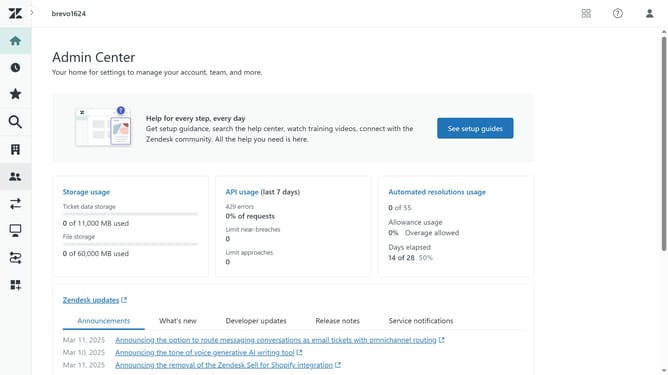
- First in the Admin Center, click on the "Account" icon in the left sidebar
- Then click on "Advanced" option under Security section
- Next click on the "Enable admins to set passwords" checkbox in the Passwords section
- Finally, click the "Save" button at the bottom of the page to apply the changes
- The administrators can now set passwords for users directly from the admin panel
Why should you allow administrators to set passwords in Zendesk
Zendesk is a powerful tool designed to enhance customer service experiences and streamline communication.
One valuable feature of Zendesk is the ability for administrators to set passwords for user accounts. This empowering functionality is integral for managing access and ensuring secure user authentication.
By allowing administrators to set passwords, companies can maintain tighter security protocols, safeguarding sensitive information and maintaining a higher level of control.
Ultimately, this feature supports secure and efficient user management, contributing to a well-protected service environment.
Last update