How to add descriptions in tables in Zapier
Here is how to add descriptions in tables in zapier
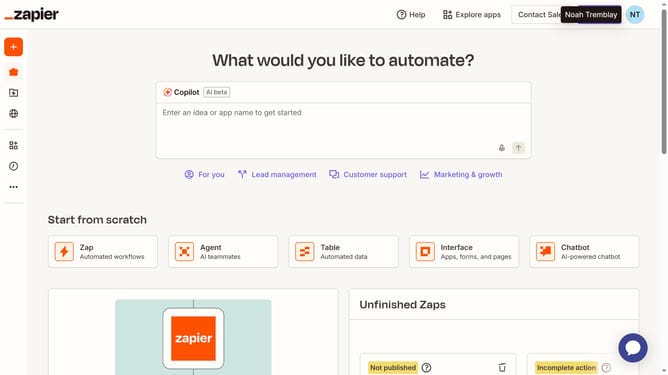
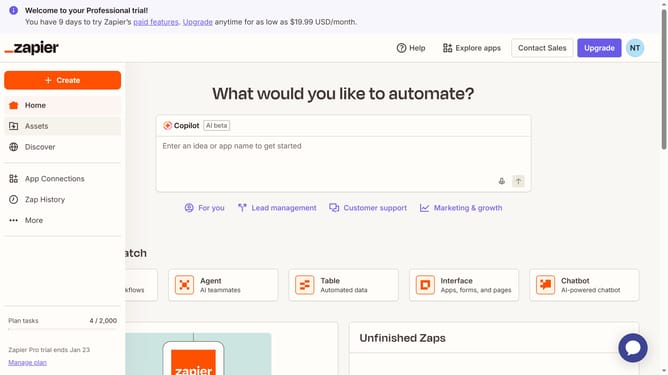
- First click on "Assets" in the left sidebar navigation menu
- Then click on "Tables" in the left sidebar submenu under Assets
- Next click on the "Table actions" menu button (three dots icon) for the "Zoey's Employee Directory" table row
- Then click on "Rename" option from the dropdown menu
- Next click on the "Description" text field in the rename dialog modal and enter your description
- Finally click on the "Save" button to confirm the changes
Why should you add descriptions in tables in Zapier
Zapier streamlines your workflow by automating tasks between online apps with ease.
Incorporating descriptions in tables within Zapier enhances data clarity, allowing users to understand context at a glance.
This feature proves invaluable in team settings where clear communication around data details is crucial, improving both efficiency and collaboration among team members.
Overall, using descriptions in tables elevates the user experience by promoting better data organization and comprehension.
Last update