How to view record details in a table in Zapier
Here is how to view record details in a table in zapier
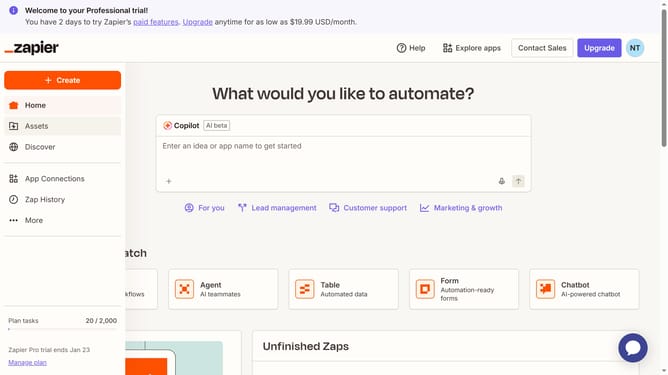
- First click on "Assets" in the left sidebar
- Then click on "Tables" in the left sidebar submenu
- Next click on the table link in the main content area
- Finally click the icon beside the row number button to view record details
Why should you view record details in a table in Zapier
Zapier is a versatile automation tool designed to streamline workflows by connecting different apps seamlessly.
Viewing record details in a table within Zapier empowers users to efficiently manage and analyze data. This feature offers a clear and structured view of information, enhancing data accessibility and usability.
With this capability, users can swiftly identify patterns, recognize trends, and make informed decisions, thereby optimizing productivity and driving better outcomes.
Last update