How to unsubscribe from email notifications in Zapier
Here is how to unsubscribe from email notifications in zapier
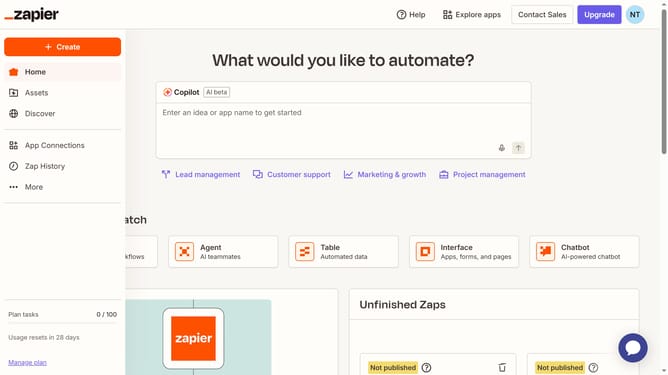
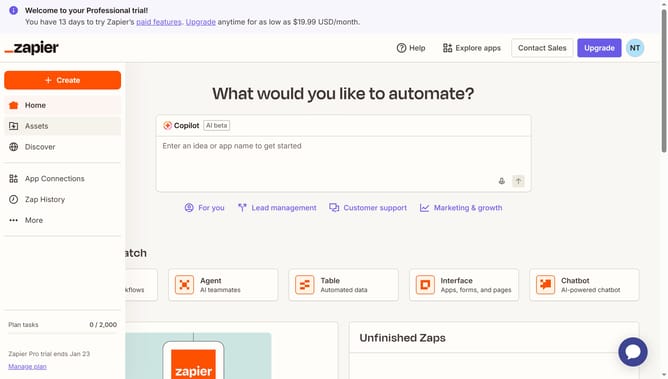
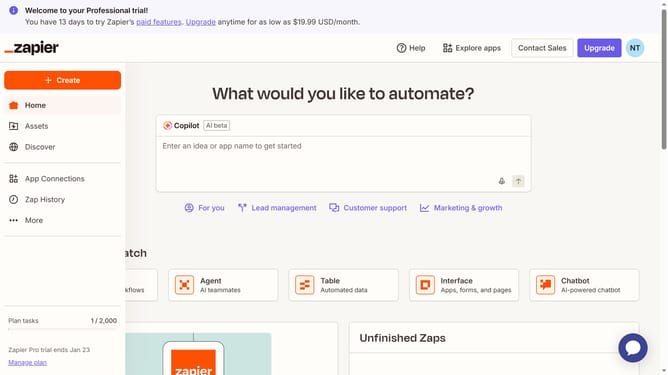
- First click on the user profile button in the top right corner of the header
- Then click on the "Settings" option in the dropdown menu
- Next click on the "Notifications" option in the left sidebar menu
- Then click on the "Email subscriptions" section in the main content area
- Next click on the "Unsubscribe from all" button at the bottom of the page
- Finally click on the "Are you sure?" confirmation button
Why should you unsubscribe from email notifications in Zapier
Zapier is a powerful automation tool that connects apps and automates workflows effortlessly.
Unsubscribing from email notifications in Zapier allows users to declutter their inbox and maintain focus on what truly matters.
This feature enhances productivity by preventing unnecessary interruptions, ensuring you stay on top of tasks without being overwhelmed by emails.
Embracing this feature streamlines communication, ensuring you only receive notifications that align with your priorities.
Last update