How to rename a folder in the free plan in Zapier
Here is how to rename a folder in the free plan in zapier
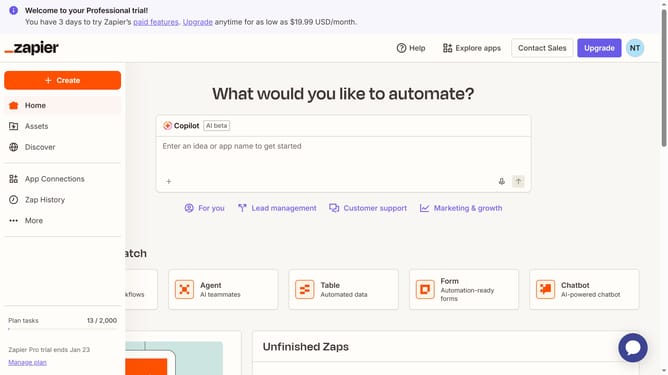
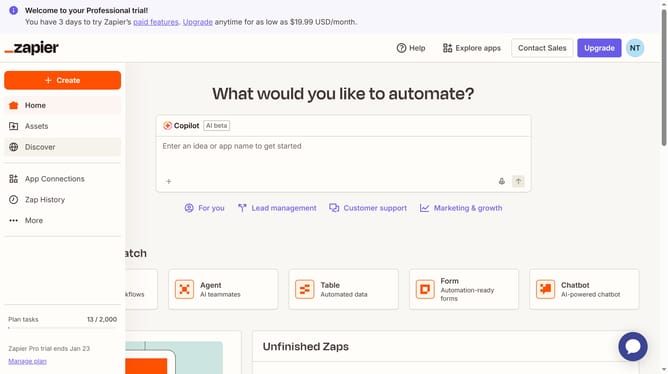
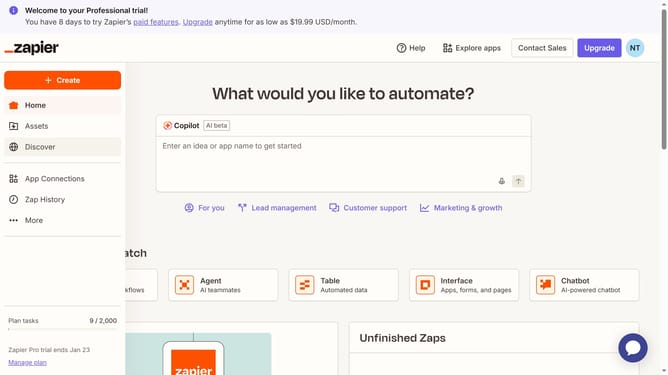
- First click on "Assets" in the left sidebar navigation menu
- Then click on the three dots menu in the next to the folder you want to rename
- Next click on "Rename" option from the dropdown menu
- Then click in the text input field and modify the folder name
- Finally click on the "Save" button to confirm the folder rename
Why should you rename a folder in the free plan in Zapier
Zapier effortlessly connects apps to streamline your workflow.
Renaming a folder in the free plan in Zapier is a straightforward feature that enhances organization. By updating folder names, users can maintain clarity, ensuring quick access to vital workflows.
Utilizing this feature allows users to optimize their workspace. Well-organized folders reduce clutter, increasing efficiency and focus in managing automated tasks. Enjoy a more intuitive environment, even on Zapier's free plan.
Last update