How to manage all user access of a form in Zapier
Here is how to manage all user access of a form in zapier
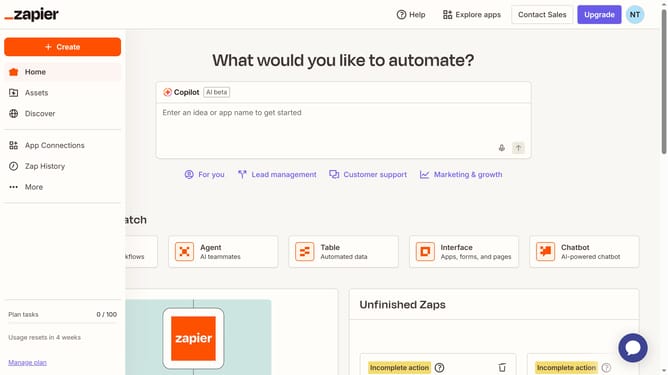
- First click on "Assets" in the left sidebar navigation menu
- Then click on "Forms" in the left sidebar navigation menu
- Then click on the name of the form you want to modify from the forms list
- Then click on the card in the Pages section to view the form page
- Next click on the "Access" menu to expand access options
- Then click on the "Access" dropdown icon to access more options
- Then select an option from the dropdown menu
- Next click on "Yes" button in the confirmation dialog modal
- Finally click on "Save changes" button in the Access & users panel
Why should you manage all user access of a form in Zapier
Zapier effortlessly connects your favorite apps, automating routine tasks for seamless workflow management.
Managing user access of a form in Zapier enhances control over who can view or modify submissions. This feature brings organization and security, ensuring only authorized users have the necessary access. By streamlining user management, you boost productivity while safeguarding information.
Ultimately, it saves time and reduces errors, empowering teams to focus on their core tasks without worrying about data integrity or privacy.
Last update