How to manage public link access a chatbot in Zapier
Here is how to manage public link access a chatbot in zapier
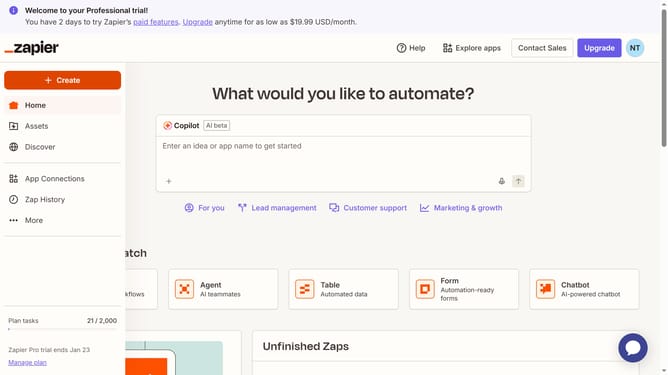
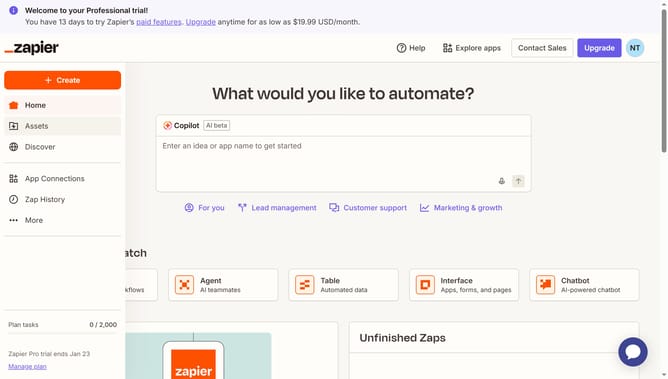
- First click on "Assets" in the left sidebar navigation menu
- Then click on "Chatbots" in the left sidebar under the Assets section
- Next click on the chatbot you want to open from the link in the chatbots list
- Then click on the "Share" button in the top navigation bar
- Next click on the "Public Link" tab in the share dialog modal
- Then click on the "Access" dropdown menu to expand access options
- Finally select from option from the dropdown menu
Why should you manage public link access a chatbot in Zapier
Zapier is an automation powerhouse that seamlessly connects your favorite apps and services.
Managing public link access to a chatbot in Zapier streamlines your workflow while ensuring security and convenience.
By adjusting who can interact with your chatbot through public links, you maintain control over accessibility without compromising functionality.
This feature enhances collaboration and enables efficient sharing, empowering users to tailor interactions to specific audiences.
Last update