How to create a new folder in the free plan in Zapier
Here is how to create a new folder in the free plan in zapier
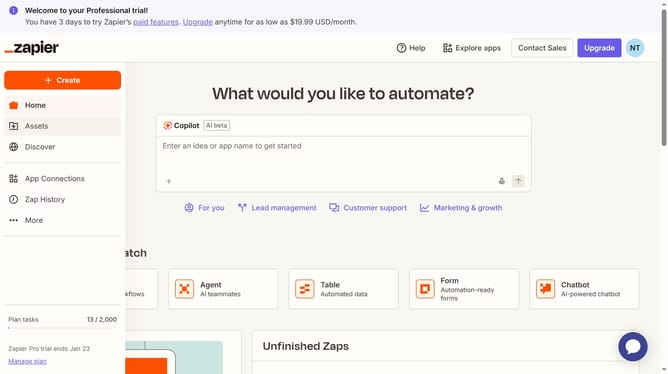
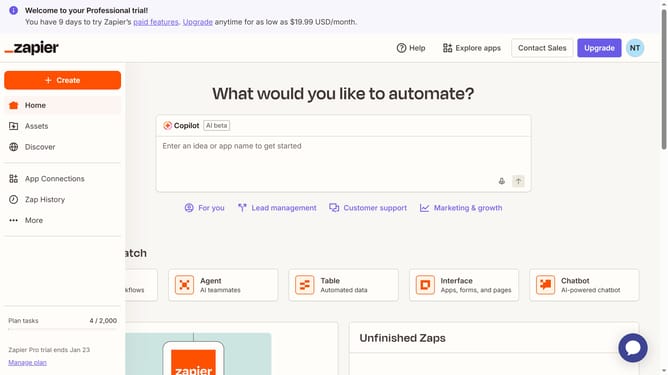
- First click on the "Assets" link in the left sidebar navigation menu
- Then click on the "Create" button in the top right corner of the page
- Next click on the "New folder" option from the dropdown menu
- Then click in the "Name" text input field and enter the folder name
- Finally click on the "Save" button to create the folder
Why should you create a new folder in the free plan in Zapier
Zapier is a powerful automation tool designed to connect your favorite apps and streamline your workflows seamlessly.
With the free plan, creating a new folder in Zapier offers a simple yet efficient way to organize your zaps, enhancing productivity and keeping your workspace tidy.
Organizing workflows into folders allows for quick access and easy management, which ensures that your tasks are always organized and optimized for peak efficiency.
By utilizing this feature, users can maintain a clear overview of their automation processes, leading to smoother operation and less time spent searching for specific workflows.
Last update