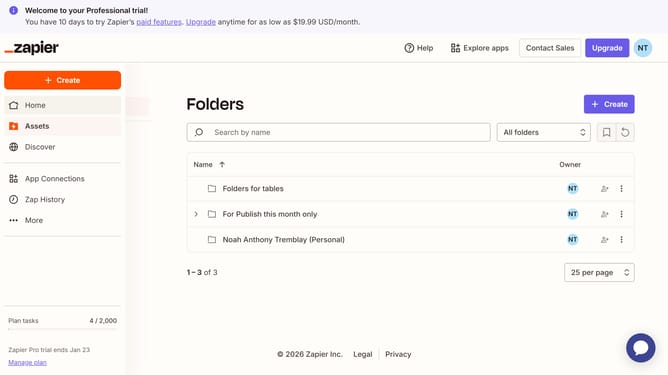
How to view all fields in a table in Zapier
Here is how to view all fields in a table in zapier
- First click on "Assets" in the left sidebar
- Then click on "Tables" in the left sidebar menu
- Next click on the table link from the tables list
- Then click on the "Hide fields" button in the left sidebar
- Next click on the "Hide all" button in the Hide fields panel
- Finally observe the main table area showing all fields are hidden
Why should you view all fields in a table in Zapier
Zapier is a powerful automation tool that connects your favorite apps to streamline your workflows.
Viewing all fields in a table within Zapier allows users to have a comprehensive overview of data at their disposal. It simplifies the process of data management, making it easier to identify every available piece of information.
By accessing all fields at once, users can ensure a more accurate setup of Zaps, ultimately leading to a smoother automation experience. This feature enhances visibility and decision-making for more effective automation solutions.
Last update