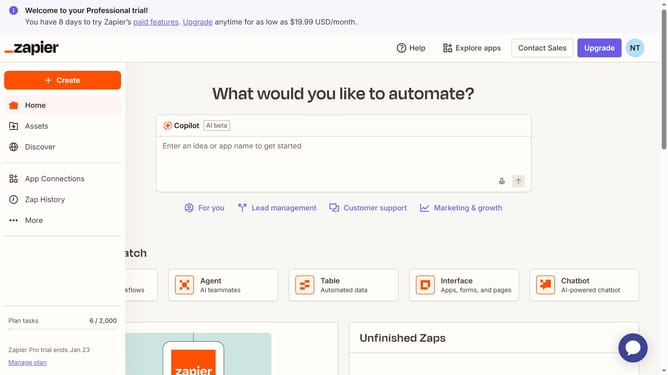
How to rename apps in the free plan in Zapier
Here is how to rename apps in the free plan in zapier
- First click on the "App Connections" link in the left sidebar
- Then click on the three dots icon next to the app you want to rename
- Next click on the "Rename" option from the dropdown menu
- Then clear the existing text in the "Name" field and type the new connection name
- Finally click on the "Save" button to confirm the rename action
Why should you rename apps in the free plan in Zapier
Zapier is a powerful automation tool that connects your favorite apps to streamline your workflows effortlessly.
In the free plan, renaming apps within Zapier allows you to organize your automation processes more efficiently. This feature comes in handy when you want to differentiate similar apps or customize them for specific tasks.
By renaming apps, you can easily identify and manage your Zaps, making your overall experience more intuitive and tailored to your needs.
Enhanced organization and clarity lead to increased productivity and reduced friction in managing digital tools.
Last update