How to add a custom error message in chatbot in Zapier
Here is how to add a custom error message in chatbot in zapier
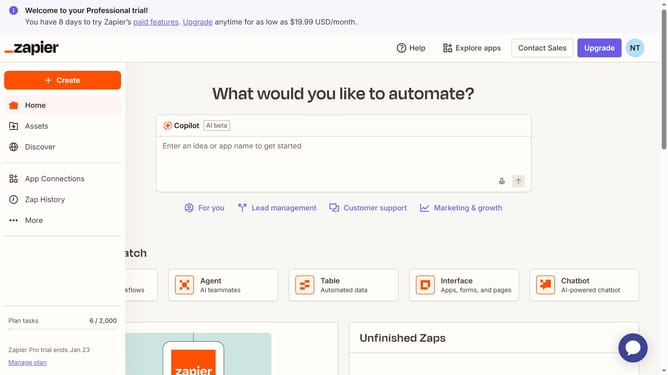
- First click on "Assets" in the left sidebar navigation menu
- Then click on "Chatbots" in the left sidebar under the Assets section
- Next click on the chatbot name that you want to open from the chatbots list
- Then click on "Settings" in the left sidebar under the Build section
- Next click on the "Custom error message" text field and enter the customized error message
- Finally click on "Save changes" button at the bottom of the settings page
Why should you add a custom error message in chatbot in Zapier
Zapier is a powerful automation tool designed to streamline workflows across multiple applications.
Adding a custom error message in a chatbot within Zapier enhances user experience by clearly communicating what went wrong and how to fix it. It personalizes interactions, ensuring users are guided effectively even when an error occurs.
This feature not only reduces user frustration but also increases the reliability and professionalism of automated processes. In turn, this fosters trust and encourages user engagement.
Last update