How to manage site cookies in Zapier
Here is how to manage site cookies in zapier
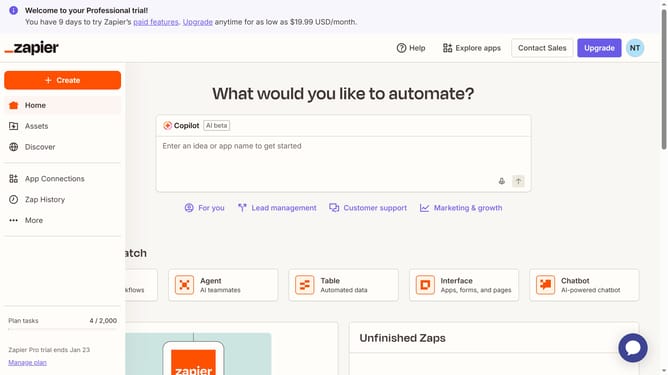
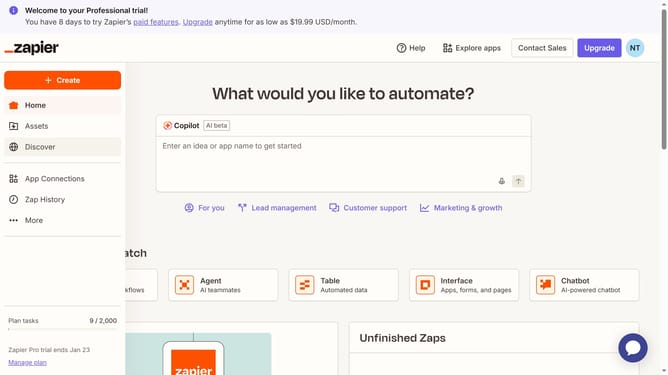
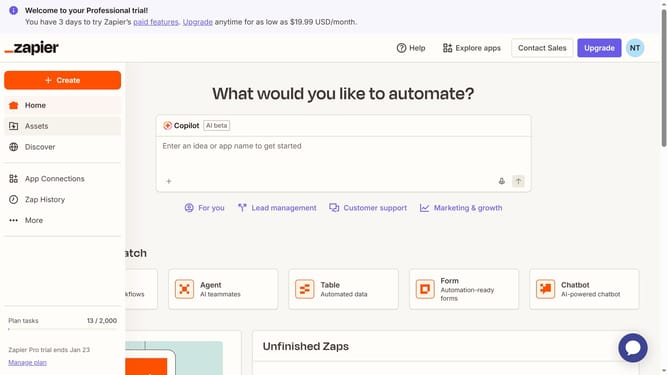
- First click on "Assets" link in the left sidebar
- Then click on "Chatbots" item in the left sidebar
- Next click on the chatbot link that you want to open in the chatbots list
- Then click on "Manage cookies" button in the top navigation bar
- Next click on the toggle switch in the cookies settings dialog
- Finally click on "Confirm my choices" button in the cookies settings dialog
Why should you manage site cookies in Zapier
Zapier is a powerful automation tool that seamlessly connects different apps to streamline workflows.
The feature of managing site cookies in Zapier allows users to customize and control cookie settings across various integrated applications. By handling cookies effectively, Zapier enhances user privacy and ensures compliant data management.
This feature not only helps maintain user trust but also optimizes performance by managing data exchanges efficiently, making workflows smoother and more reliable.
Last update