How to move folders for chatbots in Zapier
Here is how to move folders for chatbots in zapier
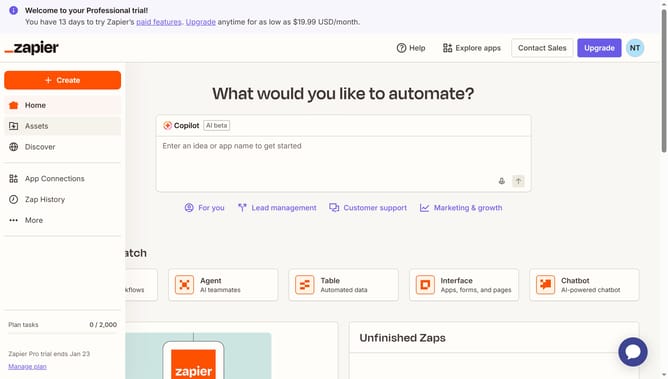
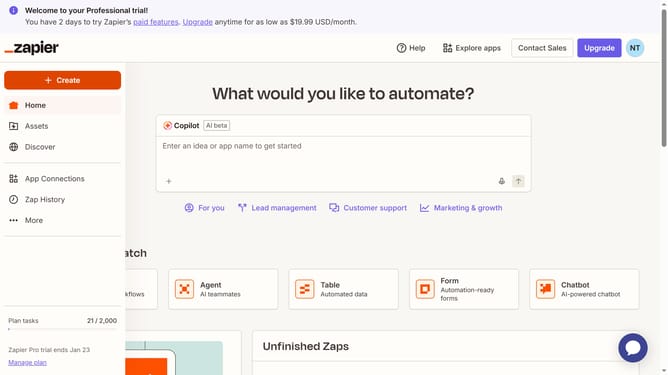
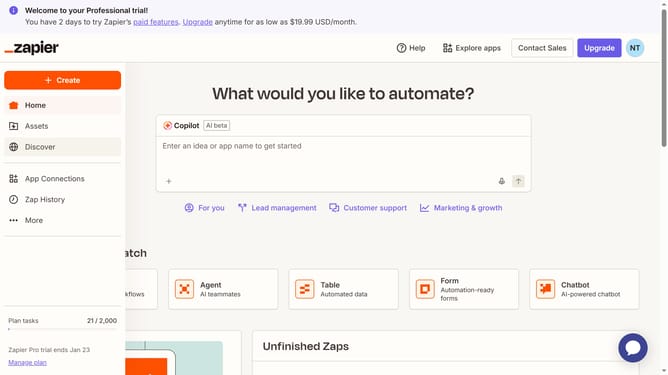
- First click on "Assets" in the left sidebar navigation menu
- Then click on "Chatbots" in the left sidebar under the Assets section
- Next click on the three dots icon in the chatbot row that you want to move
- Then select "Move to folder" option from the dropdown menu
- Next click on your chosen folder in the folder selection dialog
- Finally click on "Move to folder" button to confirm the action
Why should you move folders for chatbots in Zapier
Zapier is a dynamic tool designed to automate workflows by connecting your favorite apps and services.
The ability to move folders for chatbots in Zapier streamlines your organizational processes, ensuring your chatbot-related files and tasks are easily accessible and neatly arranged.
This feature enhances efficiency by reducing clutter, making it simpler to track progress and manage tasks. In optimizing folder management for chatbots, teams can focus on more critical aspects of development and engagement, bolstering overall productivity.
Last update