How to check your free plan status in Zapier
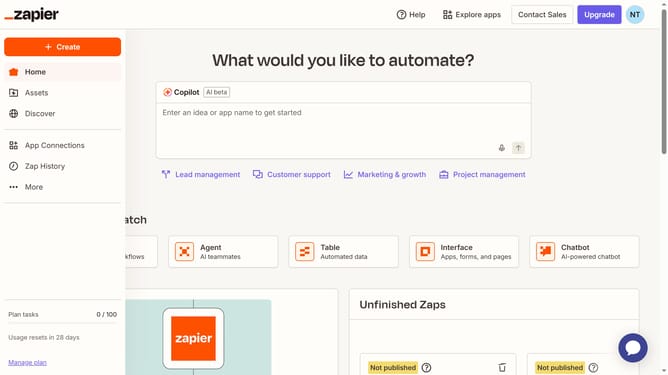
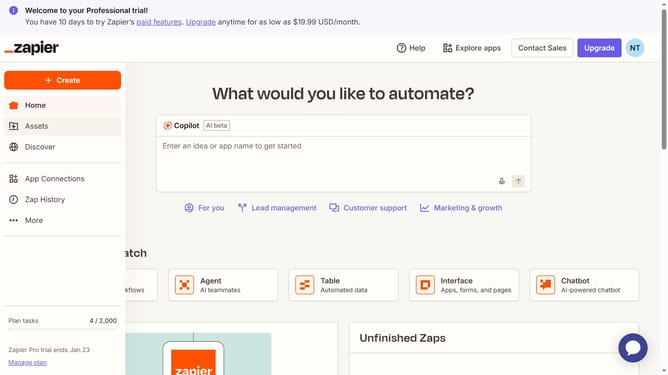
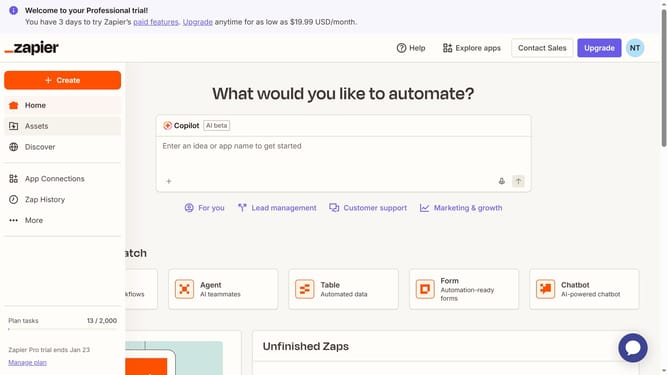
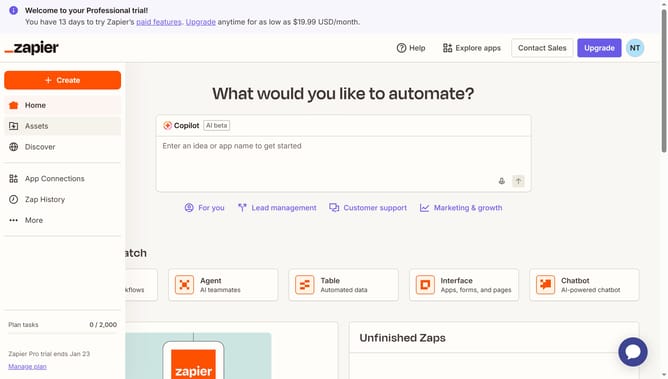
Here is how to check your free plan status in zapier
- First click on your profile icon in the top-right corner
- Then click on the "Settings" option in the dropdown menu
- Next click on the "Billing and usage" option in the left sidebar
- Finally view the subscription details showing the Free plan information
Why should you check your free plan status in Zapier
Zapier is a powerful tool designed to automate your tasks by seamlessly connecting your favorite apps.
Easily checking your free plan status in Zapier ensures you’re always informed about your account usage and capabilities.
Keeping track of your plan helps maximize productivity, allowing you to explore Zapier’s potential without running into unexpected limitations.
This feature empowers you with clarity and control, making it simpler to tailor your workflows to suit your needs effectively.
Last update