How to rename zap versions in Zapier
Here is how to rename zap versions in zapier
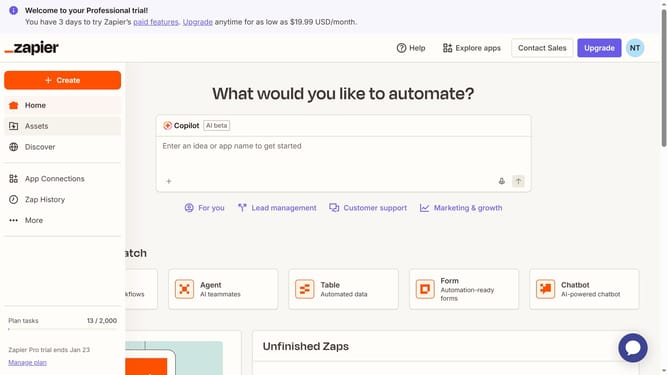
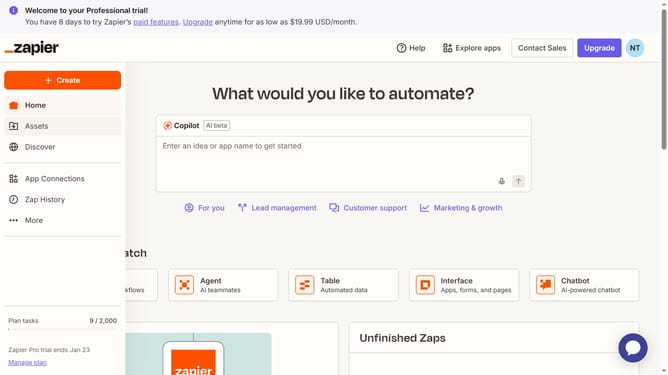
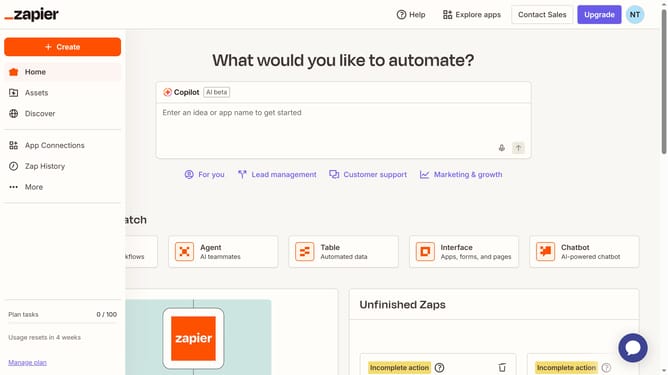
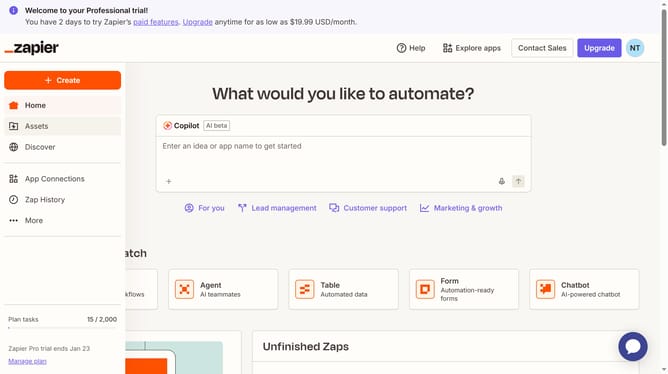
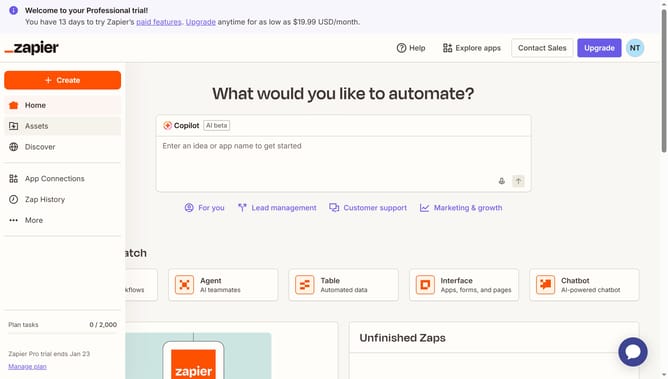
- First click on "Assets" link in the left sidebar
- Then click on "Zaps" item in the left sidebar menu
- Next click on the link of the zap you like to open
- Then click on "Versions" button in the left sidebar
- Next hover over the draft version to reveal the "Delete draft" option and click it
- Finally click on "Delete draft" button in the confirmation dialog
Why should you rename zap versions in Zapier
Zapier is a powerful automation tool that connects your favorite apps to simplify workflows and boost efficiency.
Renaming zap versions in Zapier helps in organizing and managing different iterations of your automations with ease. This feature allows you to quickly identify specific edits or updates, enhancing your workflow management.
By keeping zaps well-labeled, team collaboration becomes more seamless as everyone can swiftly pinpoint the desired version. Ultimately, this cultivates a more efficient, organized, and harmonious working environment.
Last update