How to check upgrade options from the free plan in Zapier
Here is how to check upgrade options from the free plan in zapier
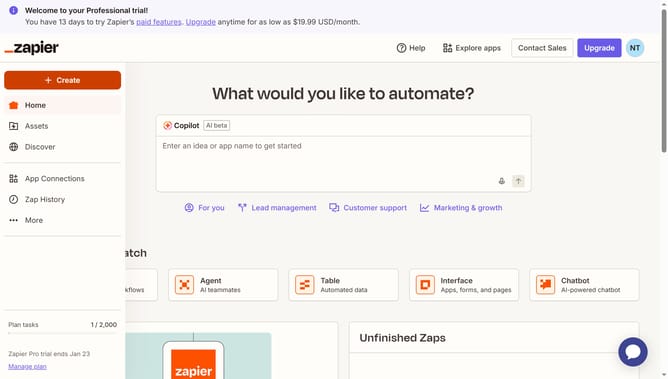
- First click on the "Upgrade" button in the top navigation bar
- Then click on the button in the subscription options panel
- Then click on the dropdown menu in the plan card
- Finally click on your preferred task per month to see the price value
Why should you check upgrade options from the free plan in Zapier
Zapier is a powerful automation tool that effortlessly connects your favorite apps and services.
Exploring upgrade options from the free plan in Zapier helps you understand the variety of features available to boost your productivity. It provides insights into the specific capabilities that can transform simple workflows into advanced automations.
Checking these options enables informed decisions, ensuring your processes become more efficient and tailored, maximizing the value Zapier brings to your digital tasks.
Last update