How to delete canvas in Zapier
Here is how to delete canvas in zapier
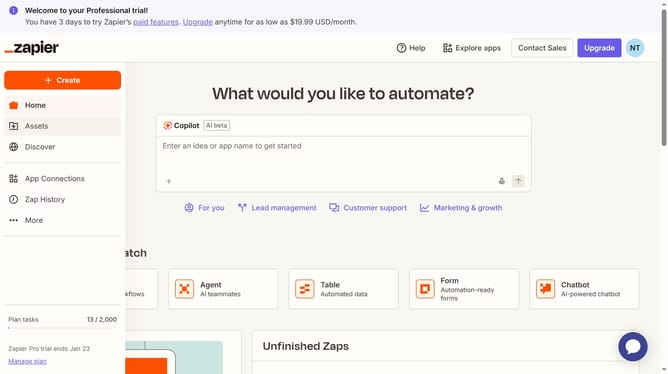
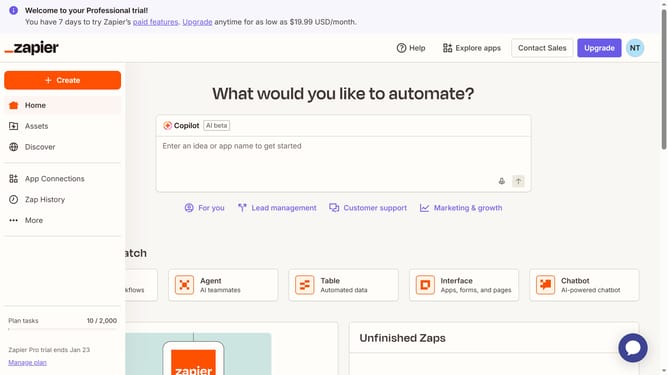
- First click on "Assets" in the left sidebar navigation menu
- Then click on "Canvases" in the left sidebar navigation menu
- Next click on the three-dot menu button for the item in the canvases list that you want to delete
- Then click on "Delete" option from the dropdown menu
- Finally click on "Delete" button in the confirmation dialog to permanently delete the canvas
Why should you delete canvas in Zapier
Zapier is a powerful automation tool designed to connect and streamline your favorite apps effortlessly.
The feature of deleting a canvas in Zapier enhances project management by enabling users to clean up their workspace easily. It represents a convenient way to remove obsolete or unnecessary workflows, ensuring that your automation processes remain organized and clutter-free.
This capability optimizes performance by reducing redundancy and allows users to focus on the automations that matter most. Whether you're downsizing tasks or starting fresh, the process contributes positively to a more efficient and productive environment.
Last update