How to manage item sequence in a dropdown table in Zapier
Here is how to manage item sequence in a dropdown table in zapier
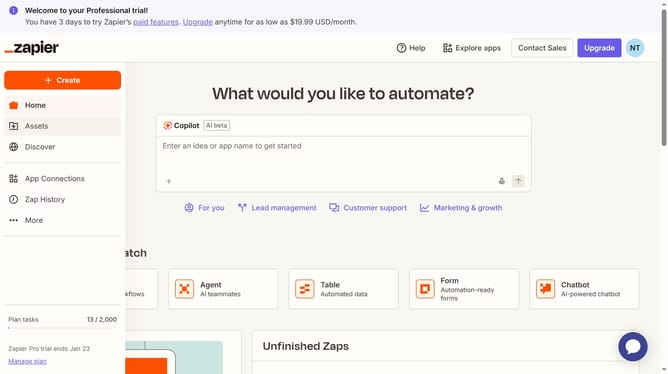
- First click on "Assets" link in the left sidebar
- Then click on "Tables" item in the left sidebar navigation menu
- Next click on the table link in the main content area
- Then click on the dropdown column header in the table
- Next click on the drag handle icon next to the selectable item on the list
- Then drag handle icon in the selectable item list to reorder it
- Next click on "Save" button at the bottom of the configuration panel
Why should you manage item sequence in a dropdown table in Zapier
Zapier is a powerful tool that automates workflows by connecting apps seamlessly.
Managing item sequence in a dropdown table in Zapier enhances user experience by allowing personalization and organization based on priorities.
This feature facilitates quick access to relevant options and streamlines interactions, leading to improved efficiency in task execution.
Using this capability ensures a tidy and user-friendly workflow, ultimately boosting productivity and satisfaction.
Last update