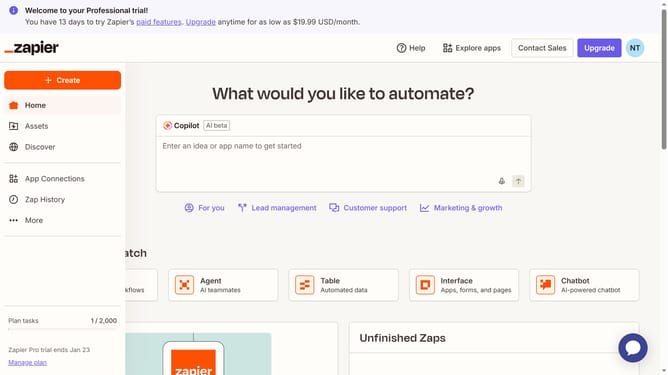
How to filter active apps in Zapier
Here is how to filter active apps in zapier
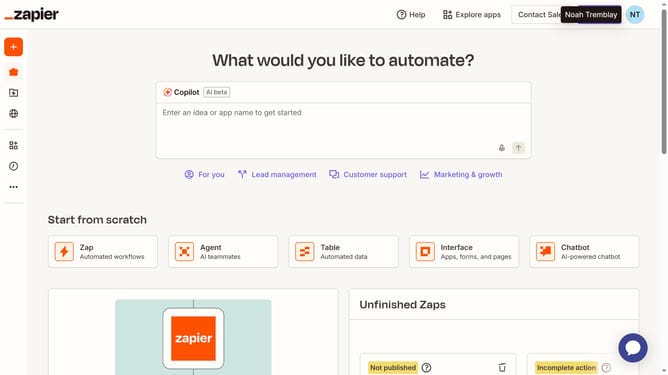
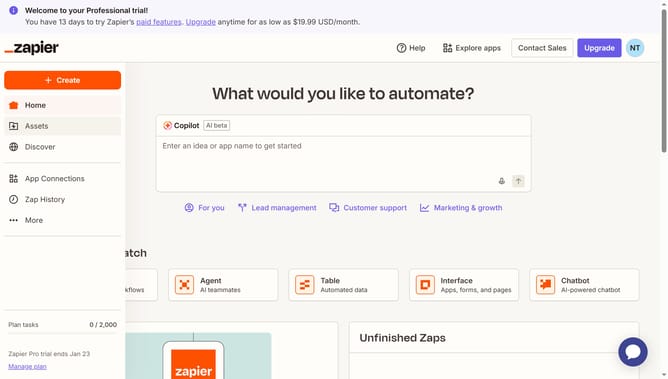
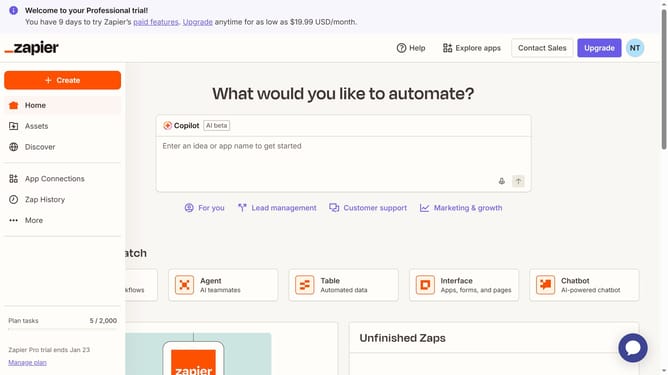
- First click on "App Connections" link in the left sidebar
- Then click on "Filters"How to filter active apps in Zapier button in the top right area of the page
- Next click on the "Status" dropdown filter to expand the options
- Finally select "Active" option from the Status dropdown menu
Why should you filter active apps in Zapier
Zapier is a powerful automation tool that connects your favorite apps, streamlining workflow effortlessly.
The "Filter Active Apps" feature in Zapier empowers users to efficiently manage and monitor their active integrations, enhancing productivity.
By quickly filtering active apps, users can focus on optimizing current workflows without distraction, ensuring all automations run smoothly.
This feature saves time and keeps your work environment organized, making it easier to adjust or troubleshoot as needed.
Last update