How to delete an agent in Zapier
Here is how to delete an agent in zapier
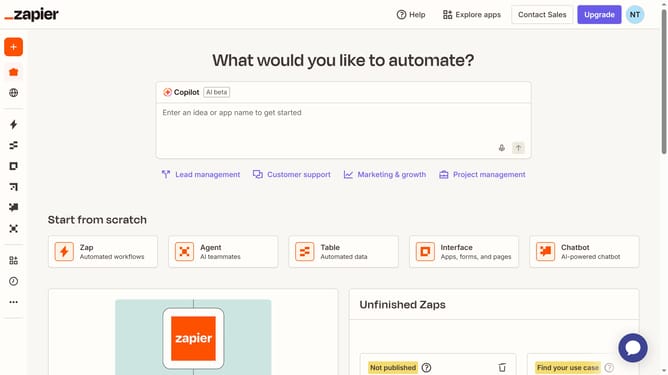
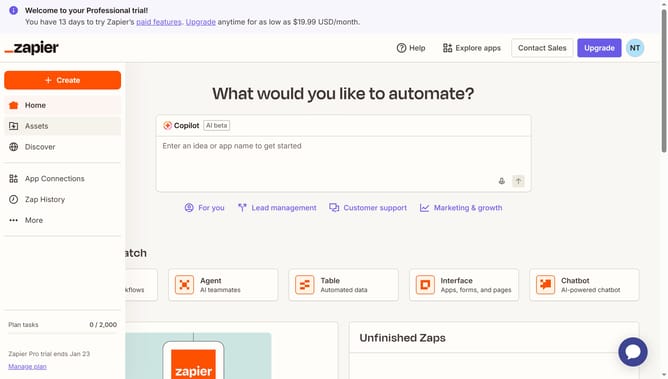
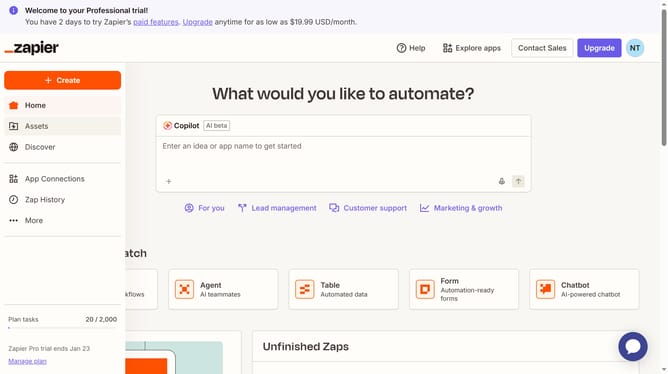
- First click on "Assets" link in the left sidebar
- Then click on "Agents" item in the left sidebar menu
- Next click on the three-dot menu button for the agent card
- Then click on "Delete agent" option from the dropdown menu
- Finally click on "Delete agent" button in the confirmation dialog
Why should you delete an agent in Zapier
Zapier connects apps and automates workflows to streamline tasks effortlessly.
Knowing how to delete an agent in Zapier can significantly enhance your workflow management. This feature simplifies the process of managing and organizing your app connections.
By removing redundant or unused agents, you maintain a clutter-free environment. This ensures your automations run optimally, freeing up resources and improving efficiency.
Regularly updating your Zap setup fosters a more controlled and dynamic workflow.
Last update