How to rename canvas in Zapier
Here is how to rename canvas in zapier
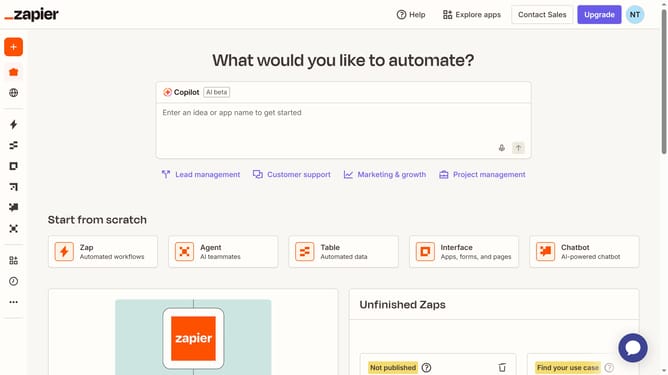
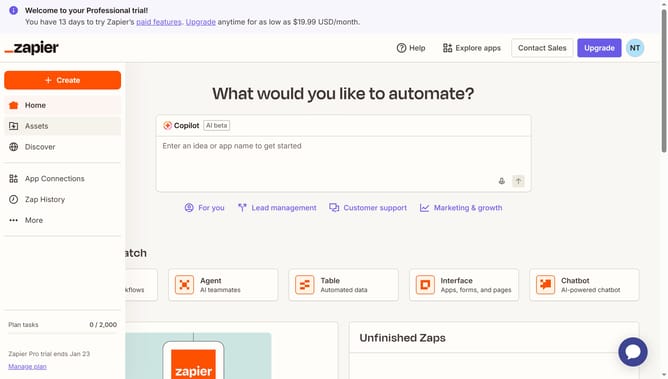
- First click on "Assets" link in the left sidebar
- Then click on "Canvases" link in the left sidebar
- Then click on the three-dot menu button in the canvas actions column that you want to rename
- Then click on "Rename" option from the dropdown menu
- Then click on the "Name" text input field and enter the new name
- Finally click on "Save" button to confirm the rename
Why should you rename canvas in Zapier
Zapier is a powerful automation tool that seamlessly connects your favorite apps to streamline your workflows.
Renaming a canvas in Zapier enhances organization and clarity, ensuring that each automation project is easily identifiable and aligned with your workflow objectives. This feature empowers users to maintain a clear structure, which is crucial for managing multiple automations efficiently.
By customizing canvas names, users can quickly access relevant information without confusion, saving time and reducing errors. This simple yet effective feature underscores Zapier's commitment to making work processes intuitive and hassle-free.
Last update