How to add an agent in a canvas in Zapier
Here is how to add an agent in a canvas in zapier
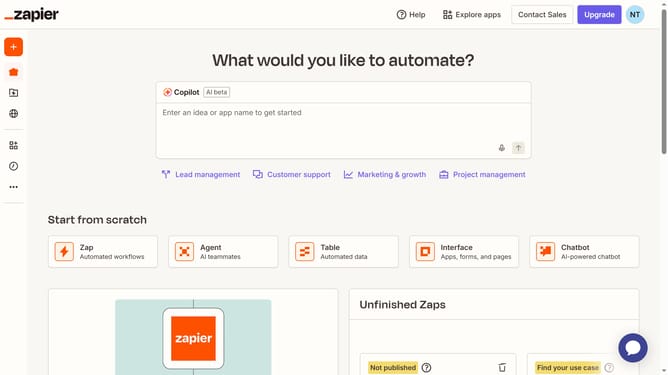
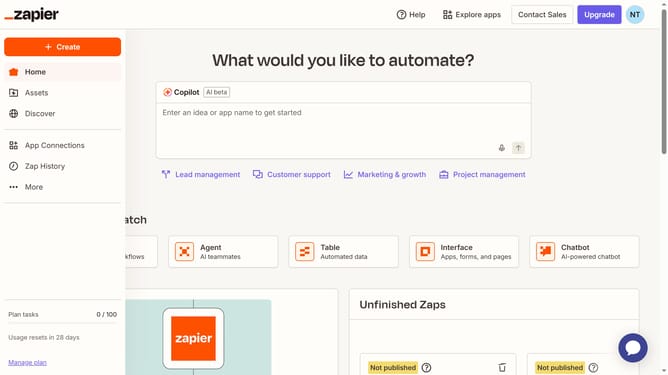
- First click on "Assets" in the left sidebar
- Then click on "Canvases" in the left sidebar menu
- Next click on the canvas name that you want to open from the main content area
- Then click on "Agent" button in the Zapier Assets section at the bottom toolbar
- Finally click on the canvas area to place the Agent element
Why should you add an agent in a canvas in Zapier
Zapier is a powerful automation tool that connects your favorite apps and simplifies workflows effortlessly.
One of Zapier's standout features is the capability to manage workflows through its intuitive canvas interface. Adding an agent into this canvas amplifies automation, ensuring your processes are streamlined and efficient.
By integrating an agent, you can customize operations to adapt to specific requirements, resulting in increased productivity. This feature significantly reduces manual tasks, allowing you to focus on more strategic activities.
Last update