How to manage decimal format in a table in Zapier
Here is how to manage decimal format in a table in zapier
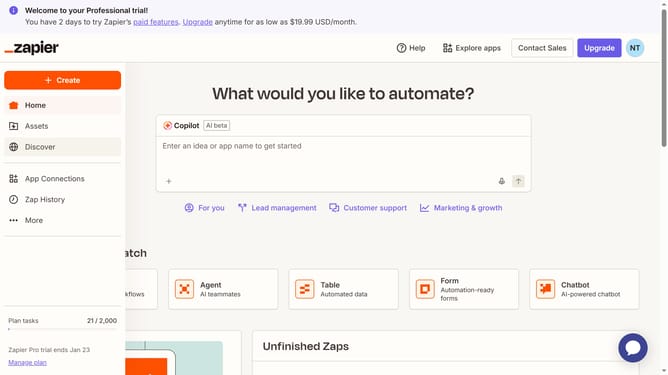
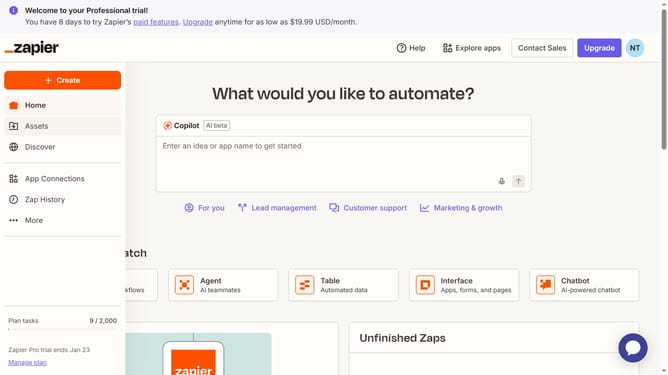
- First click on "Assets" in the left sidebar navigation menu
- Then click on "Tables" in the left sidebar navigation menu
- Next click on a table link from the tables list
- Then click on the currency column header in the table
- Next click on "Edit field" option from the column dropdown menu
- Then click on the "Decimals" field in the field editor panel
- Next select from the decimals dropdown options
- Finally click on "Save" button to save the field changes
Why should you manage decimal format in a table in Zapier
Zapier streamlines workflow automation by connecting your favorite apps, making repetitive tasks effortless.
Managing decimal formats in a table within Zapier ensures that numerical data is consistent and easy to interpret. By customizing decimal formats, numbers remain clear and accurate, enhancing the reliability of your data.
This feature is particularly useful in financial or analytical contexts where precision is crucial. Proper decimal management in Zapier's tables aids in maintaining data integrity across automated processes, saving time and minimizing errors.
Last update