How to add a notion as a knowledge source in chatbot in Zapier
Here is how to add a notion as a knowledge source in chatbot in zapier
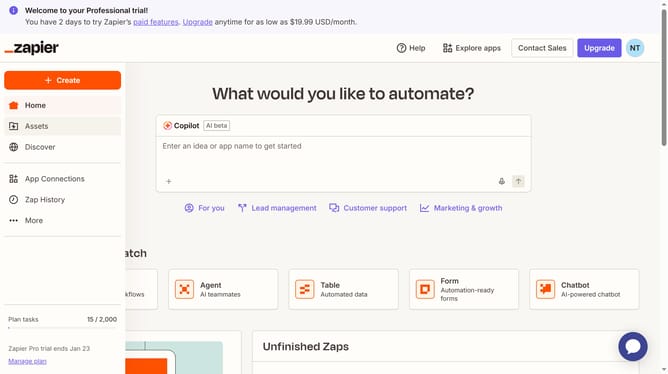
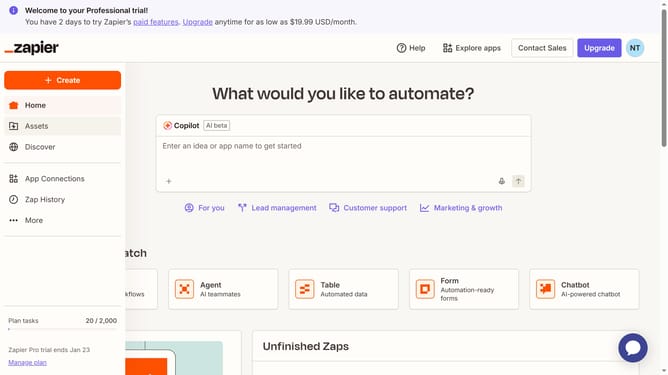
- First click on "Assets" in the left sidebar
- Then click on "Chatbots" in the left sidebar menu
- Then click on the chatbot link in the chatbots list
- Then click on "Knowledge" in the left sidebar menu under Build section
- Then click on "Add source" button in the top right corner of the Knowledge sources section
- Then click on the dropdown button under Type to show the dropdown menu
- Then click on "Notion" option in the Type dropdown menu
- Then click on the "Account" dropdown field to select a Notion account
- Then click on the selected Notion account option in the dropdown
- Then click on the "Notion" dropdown field to select a Notion database
- Then click on an option in the Notion database list
- Finally click on "Add source" button at the bottom right of the dialog
Why should you add a notion as a knowledge source in chatbot in Zapier
Zapier is a versatile automation platform that connects apps and services to streamline tasks effortlessly.
Enhancing your chatbot by adding Notion as a knowledge source in Zapier empowers it with dynamic information retrieval, ensuring responses are comprehensive and accurate.
This integration optimizes workflows by enriching your chatbot's database, bringing versatility and expanding its reactive capabilities, fostering intelligent interactions.
The result is an enriched user experience and improved efficiency in handling inquiries—transforming tasks into engaging conversations.
Last update