How to edit form subtitle in Zapier
Here is how to edit form subtitle in zapier
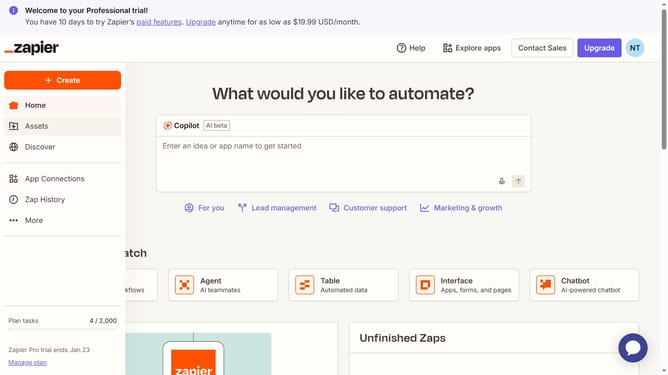
- First click on "Assets" in the left sidebar navigation menu
- Then click on "Forms" in the left sidebar submenu under Assets
- Next click on the form name that you want to open in the forms list table
- Then click on your preferred page card in the Pages section
- Next click on "Edit" button in the top right corner of the form editor
- Then click on the "Subtitle" text field in the right panel under Form Content settings and enter the new subtitle
- Finally click anywhere in the form page to see the changes made
Why should you edit form subtitle in Zapier
Zapier is a powerful automation tool that connects your apps and automates workflows seamlessly.
Editing form subtitles in Zapier is straightforward and impactful. This feature enhances the clarity and relevance of your forms instantly, ensuring they communicate effectively with users and align with brand messaging.
By refining your form subtitles, you improve user experience and engagement. The feature helps maintain consistency across automated processes, optimizing the communication flow, and making your forms more intuitive and accessible.
Last update