How to rename an item in a dropdown table in Zapier
Here is how to rename an item in a dropdown table in zapier
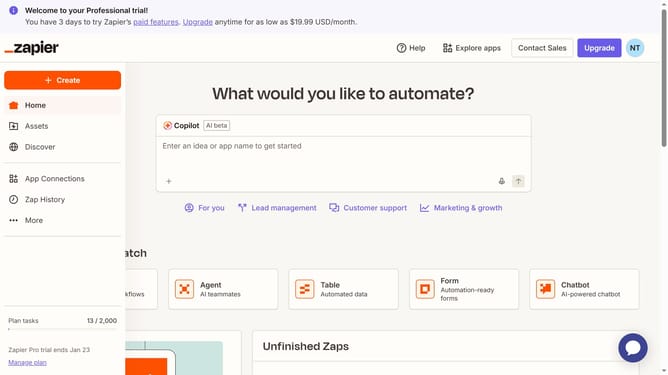
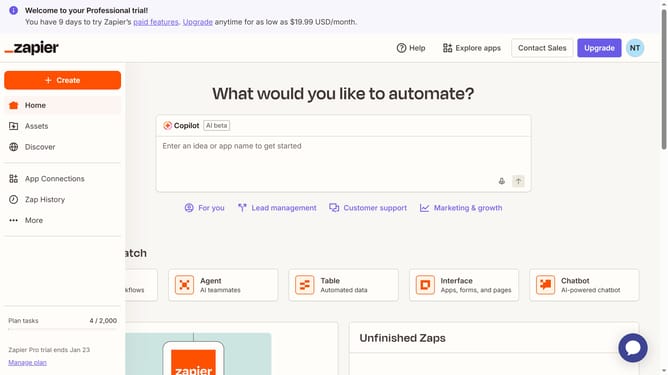
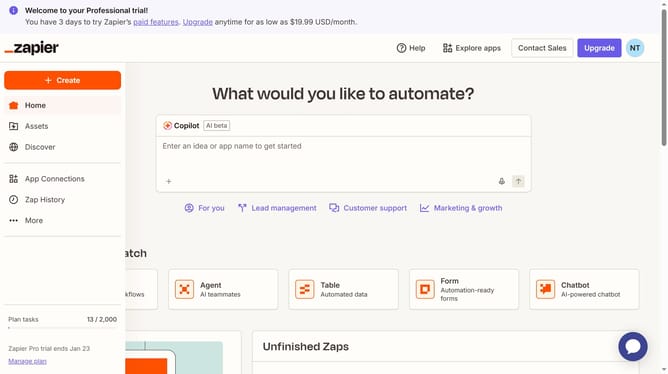
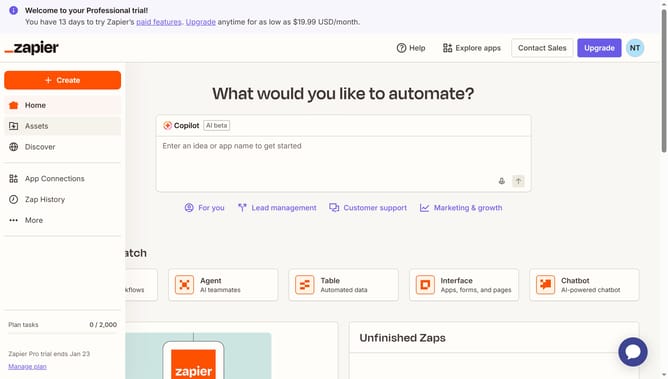
- First click on "Assets" in the left sidebar navigation menu
- Then click on "Tables" in the left sidebar navigation menu
- Next click on the table name in the main content area
- Then click on the dropdown column header dropdown menu
- Next click on "Edit field" option in the dropdown menu
- Then click on the text field that you want to rename in the Selectable Item List section
- Finally click on the "Save" button at the bottom of the panel
Why should you rename an item in a dropdown table in Zapier
Zapier is a powerful automation tool that connects your apps and streamlines workflows seamlessly.
Renaming an item in a dropdown table on Zapier is a simple yet effective feature designed to enhance clarity and organization within your automated processes. By renaming items succinctly, users can maintain clear, intuitive workflows that facilitate easy identification and management of specific actions or data points.
This feature directly contributes to improved efficiency and accuracy, reducing the chances of errors and ensuring that team collaboration remains smooth and hassle-free.
Last update