How to configure directive in a chatbot in Zapier
Here is how to configure directive in a chatbot in zapier
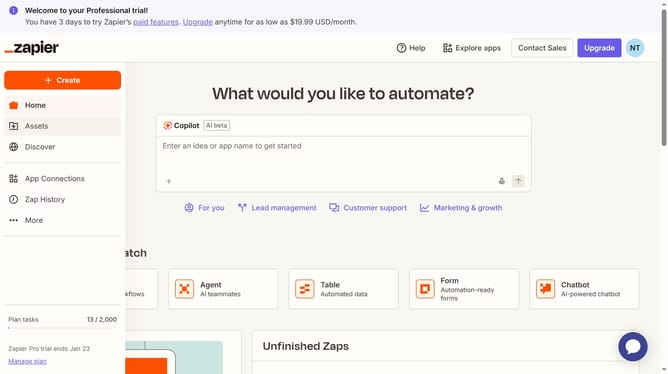
- First click on "Assets" in the left sidebar navigation menu
- Then click on "Chatbots" in the left sidebar navigation menu under Assets section
- Next click on the chatbot name in the chatbots list
- Then click in the "Directive" text field in the Instructions section and add your instructions
- Finally click on "Save changes" button at the bottom of the form
Why should you configure directive in a chatbot in Zapier
Zapier is a powerful automation tool that seamlessly connects your apps and workflows.
Configuring directives in a chatbot through Zapier enhances the bot's ability to perform tasks efficiently, creating a more engaging and responsive user experience.
This feature allows you to define specific actions the chatbot should take based on user interactions, making the automation process more intuitive.
The primary benefit is an improved user experience with streamlined communication, ultimately boosting productivity and customer satisfaction.
Last update