How to rename chatbots in Zapier
Here is how to rename chatbots in zapier
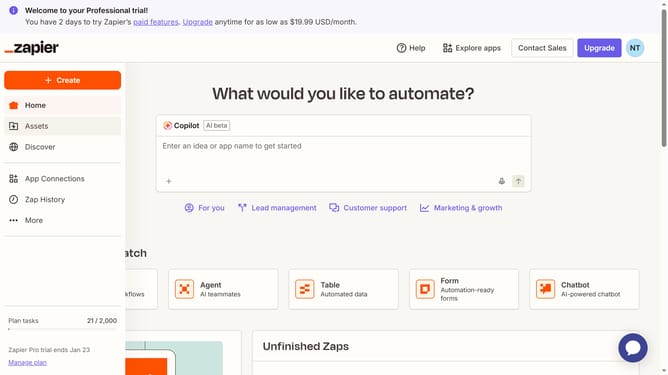
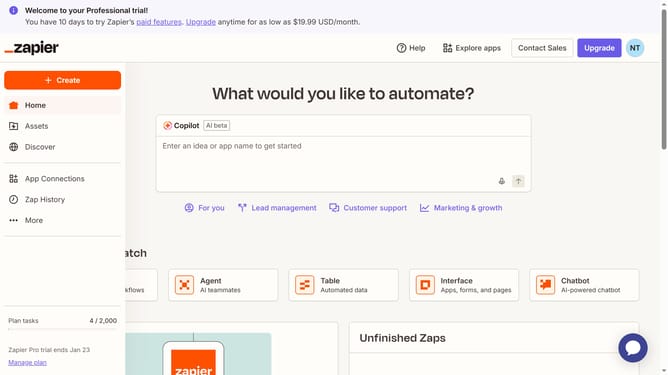
- First click on "Assets" link in the left sidebar
- Then click on "Chatbots" item in the left sidebar navigation menu
- Next click on the three dots icon in the chatbot row that you want to rename
- Then click on "Rename" option from the dropdown menu
- Clear the existing name in the "Name" text field and type the new name
- Finally click on "Save" button to confirm the rename
Why should you rename chatbots in Zapier
Zapier is a powerful tool that automates tasks by connecting apps and services seamlessly.
One of its handy features is the ability to rename chatbots, tailoring them to a more personal or functional purpose. This feature enhances the clarity and context of the automated conversations, making interactions more intuitive and effective.
Renaming chatbots in Zapier not only reflects their specific tasks but also strengthens brand consistency and user engagement, ensuring a streamlined, professional experience.
Last update