How to link an existing table in a canvas in Zapier
Here is how to link an existing table in a canvas in zapier
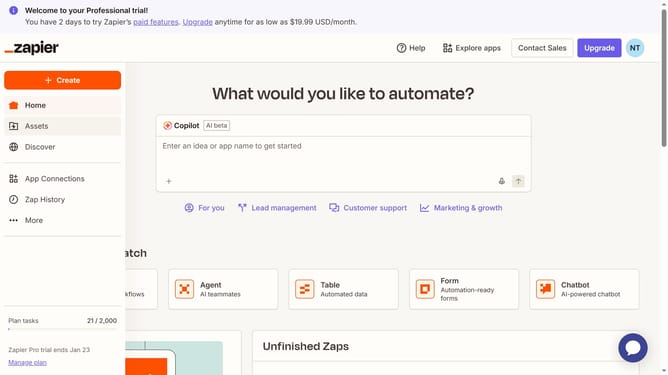
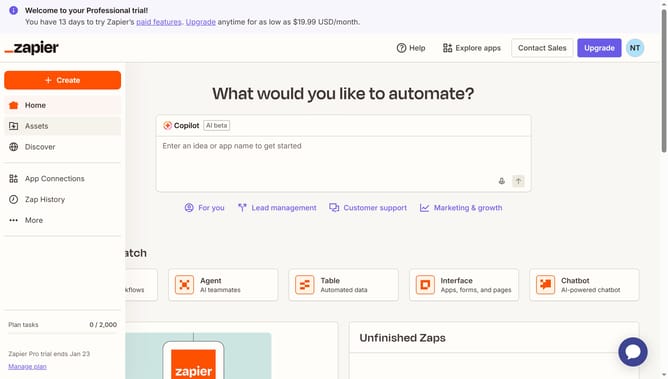
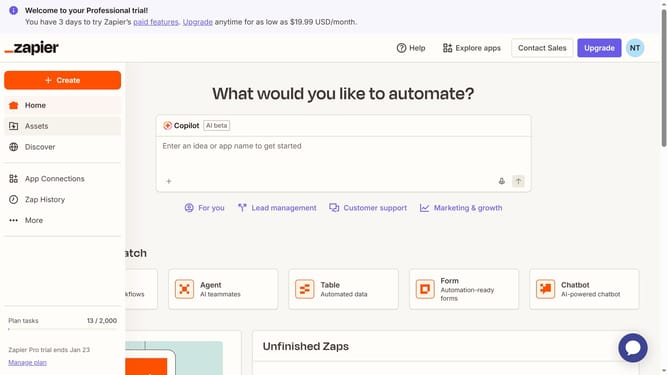
- First click on "Assets" in the left sidebar navigation menu
- Then click on "Canvases" in the left sidebar navigation menu
- Next click on canvas name that you want to open from the list of canvases
- Then click on "Link existing" button in the Table component on the canvas
- Finally select a table name from the dropdown menu
Why should you link an existing table in a canvas in Zapier
Zapier is a versatile automation tool designed to seamlessly connect your favorite apps and streamline your workflow.
One handy feature is the ability to link an existing table in a Zapier canvas. This function allows you to integrate and visualize data effectively within your automated processes.
Using this feature, you can keep your data organized and manage workflows more efficiently, boosting productivity and ensuring clarity.
By centralizing information, you save time and gain a comprehensive view of all your processes at a glance, enhancing decision-making and operational efficiency.
Last update