How to add a chatbot in a canvas in Zapier
Here is how to add a chatbot in a canvas in zapier
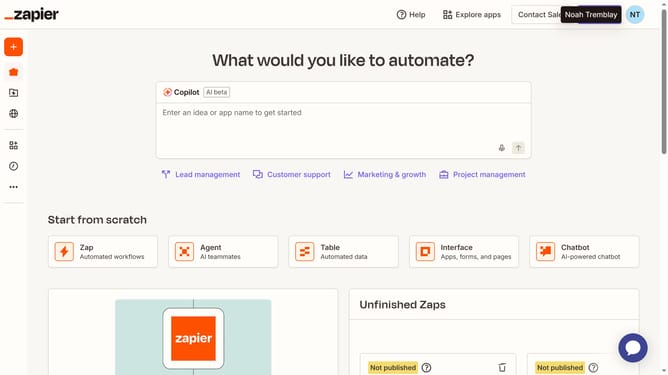
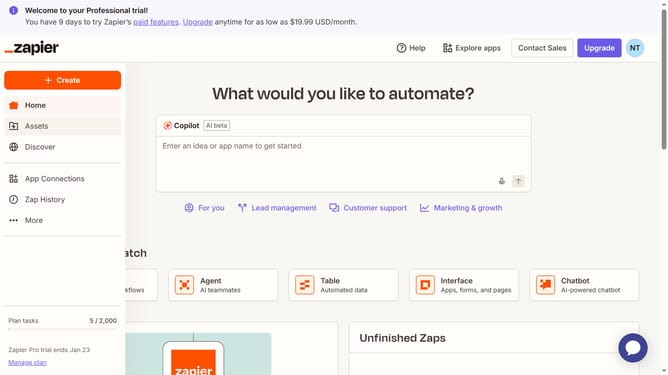
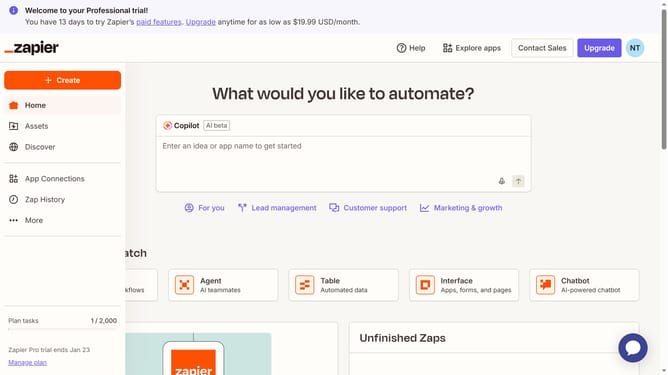
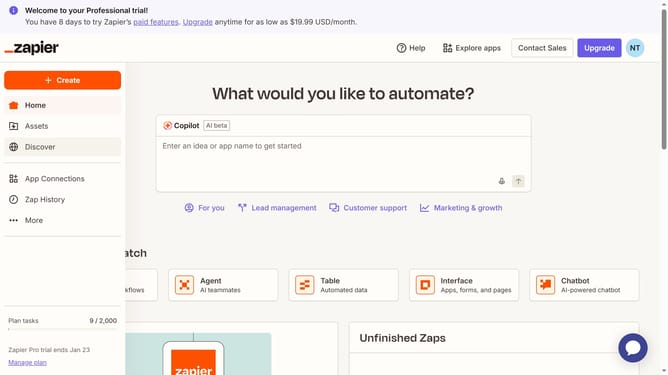
- First click on "Assets" in the left sidebar navigation menu
- Then click on "Canvases" in the left sidebar navigation menu
- Next click on canvas name that you want to open from the list of canvases
- Then click on the "Chatbot" button in the bottom toolbar under Zapier Assets section
- Finally drag the chatbot element to add it to the canvas workspace
Why should you add a chatbot in a canvas in Zapier
Zapier is an innovative platform designed to effortlessly connect the apps you love.
Integrating a chatbot in a Zapier canvas makes customer interactions seamless and efficient. With this feature, you can automate responses, ensuring that your clients receive prompt and consistent service around the clock.
This dynamic integration not only enhances customer satisfaction but also frees up valuable time for your team to focus on more complex tasks, ultimately boosting productivity and business growth.
Last update