How to see when the free plan resets in Zapier
Here is how to see when the free plan resets in zapier
- First click on the "Noah Tremblay" profile button in the top-right header
- Then click on the "Settings" option in the dropdown menu
- Next click on the "Billing and usage" option in the left sidebar
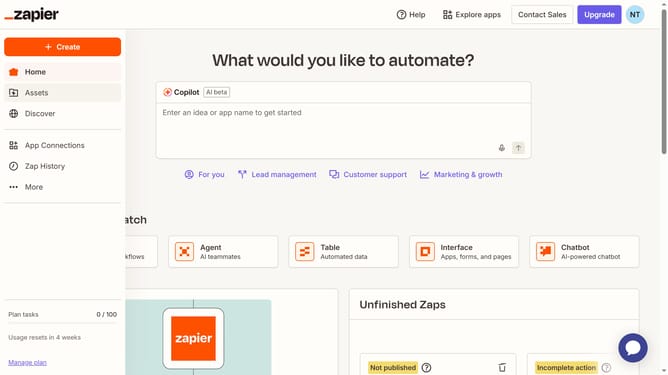
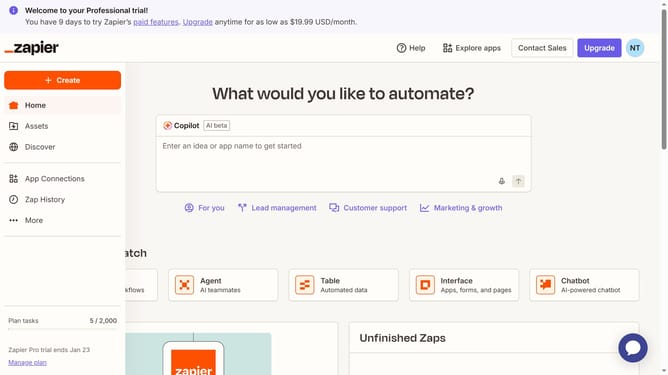
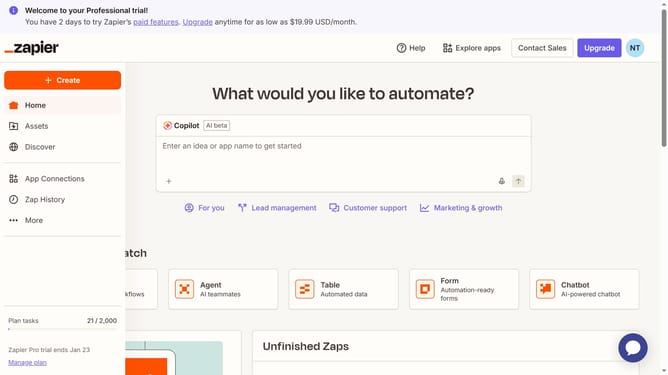
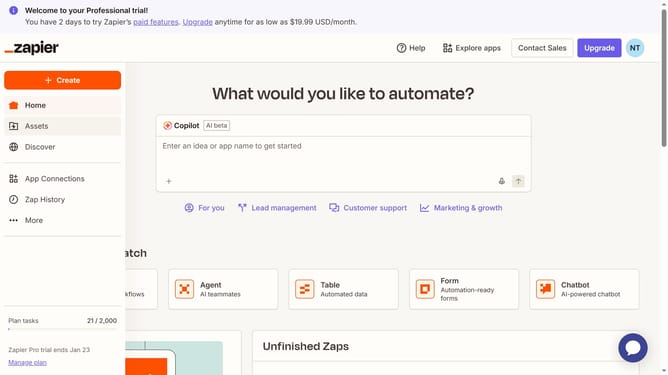
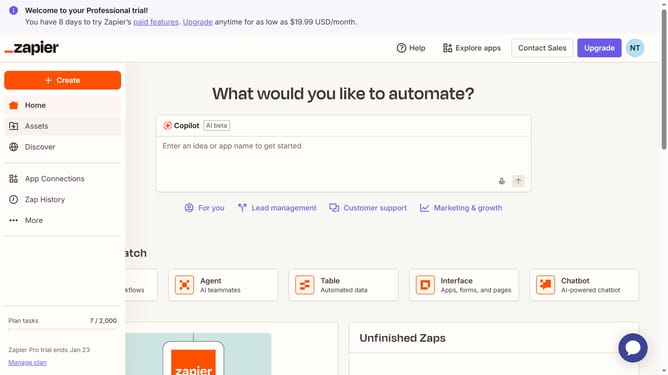
- Finally view the "Plan tasks" usage information showing the reset information
Why should you see when the free plan resets in Zapier
Zapier is a dynamic tool that automates workflows by connecting your favorite apps and services seamlessly.
Understanding when your free plan resets in Zapier is crucial for efficient task management. By anticipating this reset, users can strategically utilize their allotted Zaps without interruptions.
Staying informed about the reset schedule helps maximize resource utilization, ensuring you make the most out of Zapier’s offerings, bolstering productivity without unforeseen limitations.
Last update