How to review zap run history in the free plan in Zapier
Here is how to review zap run history in the free plan in zapier
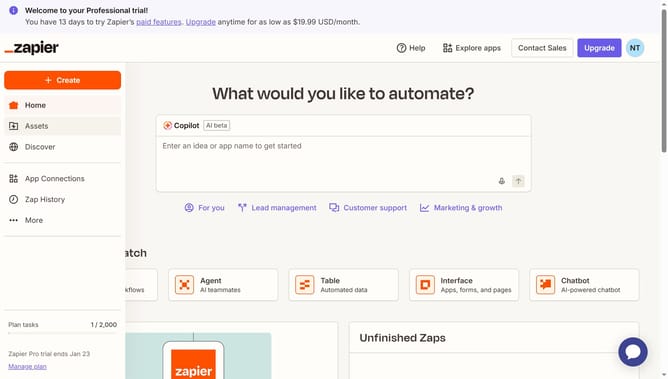
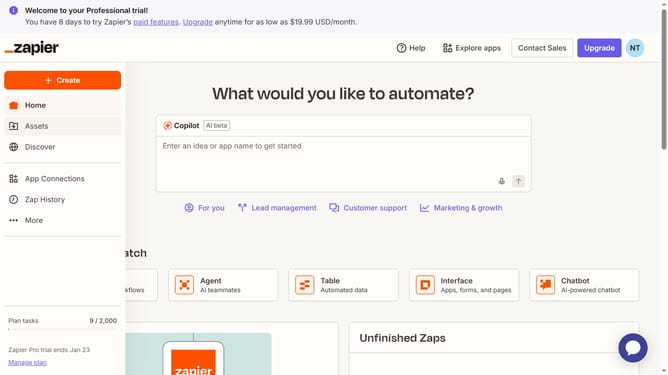
- First click on "Assets" link in the left sidebar navigation menu
- Then click on a folder link in the main content area
- Next click on the three-dot menu button in the right column of the Zap you want to review
- Finally click on "View history" option from the dropdown menu
Why should you review zap run history in the free plan in Zapier
Zapier is a powerful automation tool designed to connect your favorite apps and streamline workflows seamlessly.
Reviewing zap run history in the free plan offers insight into the performance and frequency of your zaps, empowering you to monitor their efficiency.
By understanding zap run history, you can identify areas for improvement, ensuring your automations are both effective and reliable.
This feature maximizes your productivity, allowing you to optimize workflow without incurring extra cost.
Last update