How to add a webpage as a knowledge source in chatbot in Zapier
Here is how to add a webpage as a knowledge source in chatbot in zapier
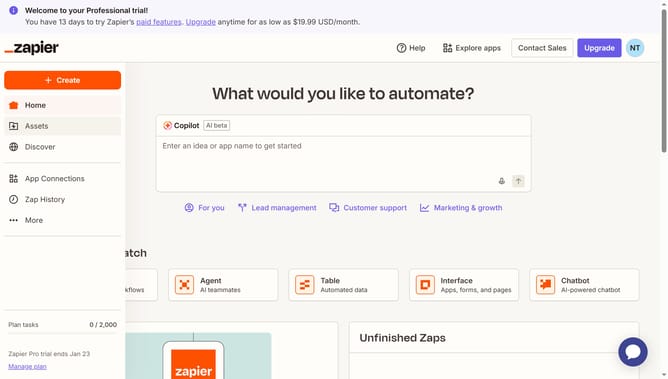
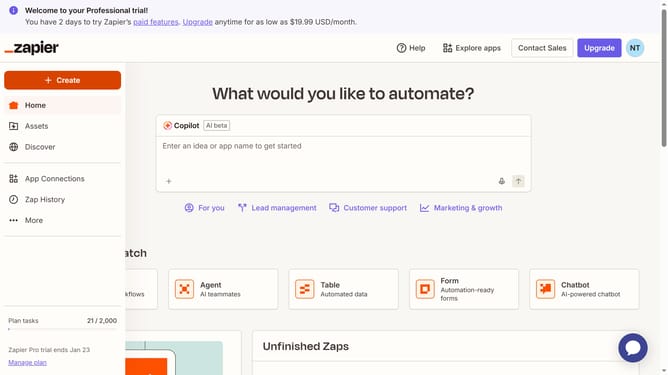
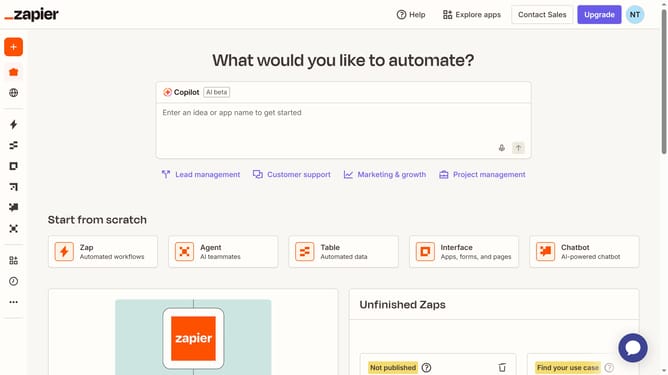
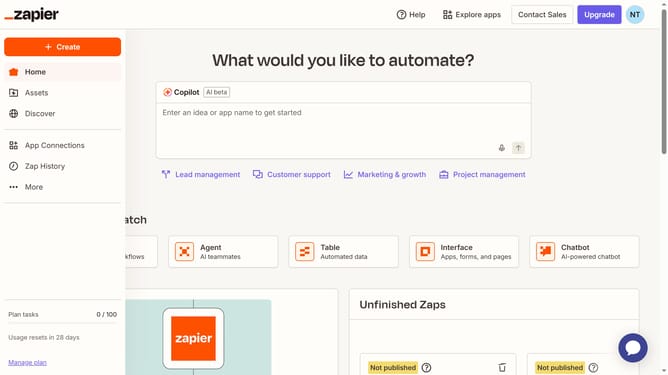
- First click on "Assets" in the left sidebar navigation menu
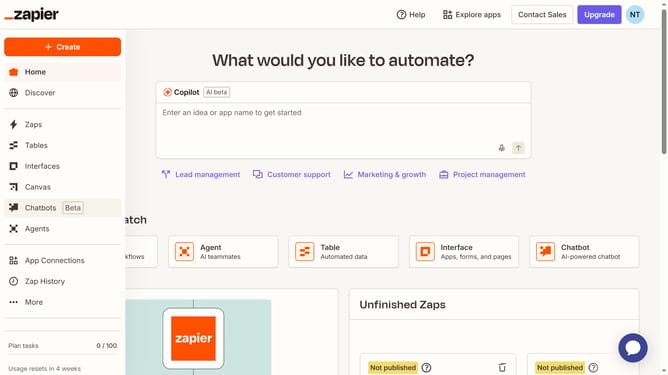
- Then click on "Chatbots" in the left sidebar under the Assets section
- Next click on "Customer Service -chatbot" link in the chatbots list
- Then click on "Knowledge" in the left sidebar under the Build section
- Next click on "Add source" button in the top right corner of the Knowledge sources section
- Then click on the "Type" dropdown menu in the Add knowledge source dialog
- Next click on "Webpage" option from the Type dropdown menu
- Then click in the "Public URL" text input field and enter the URL
- Next click on the "Crawl this link for all subpages" checkbox to enable it
- Then click on the "Continue" button at the bottom of the Add knowledge source dialog
- Finally click on the "Add 1 source" button to confirm adding the selected webpage
Why should you add a webpage as a knowledge source in chatbot in Zapier
Zapier streamlines workflow automation by connecting your favorite apps and services seamlessly.
Using Zapier to add a webpage as a knowledge source in your chatbot is a game-changer for efficiency and accessibility. This feature empowers chatbots to draw from specific online content, enriching user interactions with immediate, accurate information.
By incorporating a webpage as a knowledge source, you ensure your chatbots are informed, aligning responses with up-to-date data, which enhances user satisfaction and engagement.
Last update