How to create a form using AI in Zapier
Here is how to create a form using ai in zapier
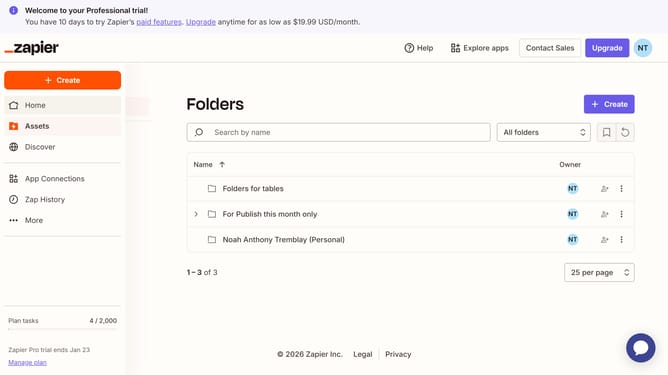
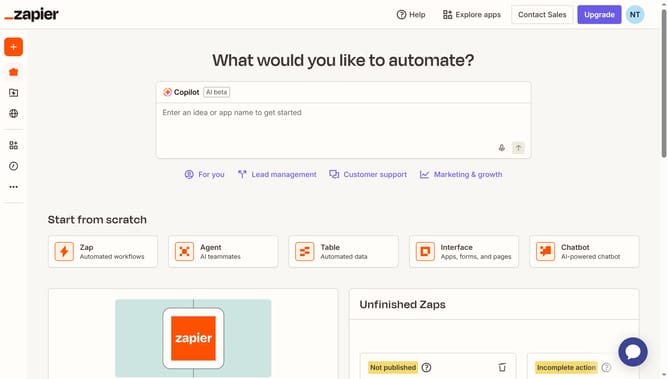
- First click on the "Assets" link in the left sidebar navigation menu
- Then click on the "Forms" item in the left sidebar navigation menu
- Next click on the "Create" button in the top right corner of the Forms page
- Then click on the Copilot text input field and describe the form requirements
- Next click on the "Generate form" button to create the form based on the description
- Then type "Yes" in the Copilot chat input field at the bottom of the left panel
- Next click on the "Send" button to submit the response to Copilot
- Finally review the generated form preview displayed in the main content area on the right side
Why should you create a form using AI in Zapier
Zapier streamlines your workflows by connecting your apps and automating tasks effortlessly.
Creating a form using AI in Zapier unleashes the power of automation and intelligence. The AI-driven approach simplifies form creation by intuitively understanding your needs and generating questions tailored to your specific requirements.
This feature is beneficial for businesses that aim to enhance productivity, reduce manual input, and gather data efficiently. By leveraging AI, Zapier empowers users with smarter and more dynamic forms, making data collection both seamless and intelligent.
Last update