How to update name in Zapier
Here is how to update name in zapier
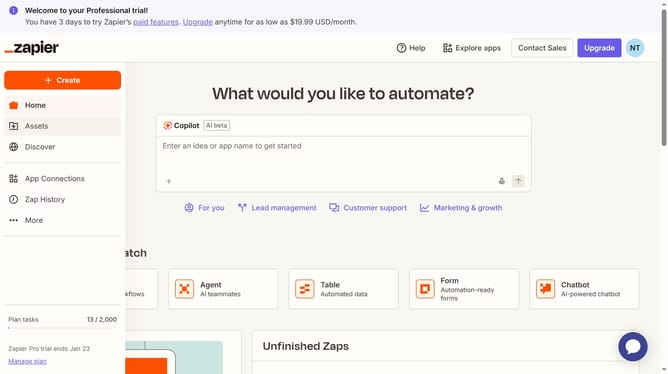
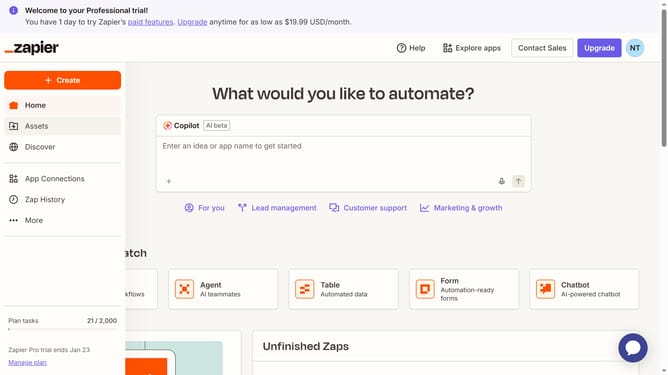
- First click on the profile icon in the top-right header
- Then click on the "Settings" option in the dropdown menu
- Next click on the "Timezone" dropdown field in the My profile section
- Then select your timezone from the timezone dropdown list
- Finally click on the "Save changes" button to apply the new timezone setting
Why should you update name in Zapier
Zapier is a powerful automation tool that connects your favorite apps and services to streamline workflows effortlessly.
Updating your name in Zapier is a straightforward feature that enables you to maintain consistent, personalized branding within your account.
This feature is crucial for those managing multiple projects or businesses, as it helps ensure clear communication and professional presentation across various integrations.
By keeping your profile information up-to-date, you harness the full potential of Zapier's automated processes more efficiently.
Last update