How to default to current date a date picker field in a form in Zapier
Here is how to default to current date a date picker field in a form in zapier
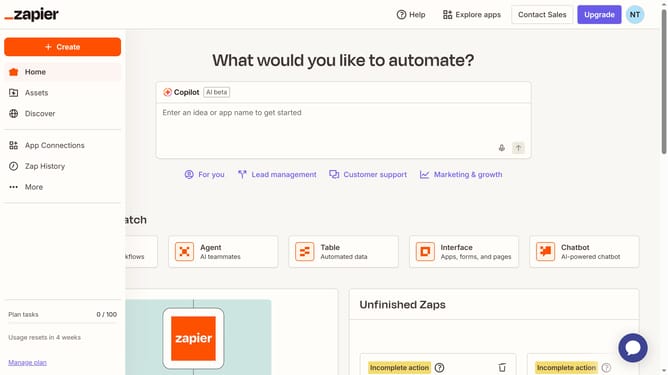
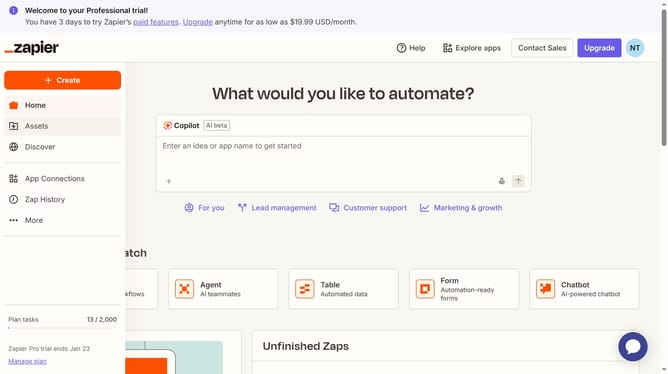
- First click on "Assets" in the left sidebar navigation menu
- Then click on "Forms" in the left sidebar navigation menu
- Next click on the form you want to edit from the list to open it
- Then click on the form card in the "Pages" section
- Next click on the field with a date picker in the form to open its settings
- Then click on the "Default to current date" toggle switch in the Field Settings panel
- Finally click outside the settings panel to close it
Why should you default to current date a date picker field in a form in Zapier
Zapier is an automation platform that connects your apps to streamline workflows efficiently.
One useful feature in Zapier is the ability to set a date picker field in a form to automatically display the current date.
This feature enhances user convenience by pre-filling forms with accurate information, reducing data entry time.
Using the current date by default ensures timely and relevant submissions, beneficial for time-sensitive processes.
Last update