How to access public link of the chatbot in Zapier
Here is how to access public link of the chatbot in zapier
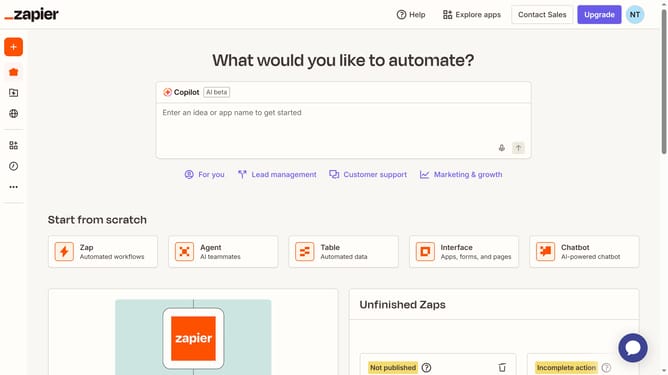
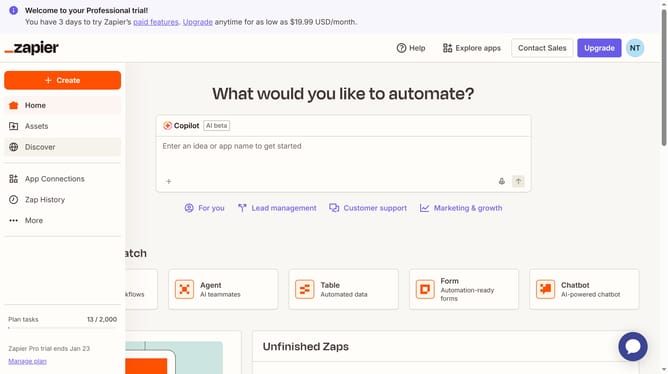
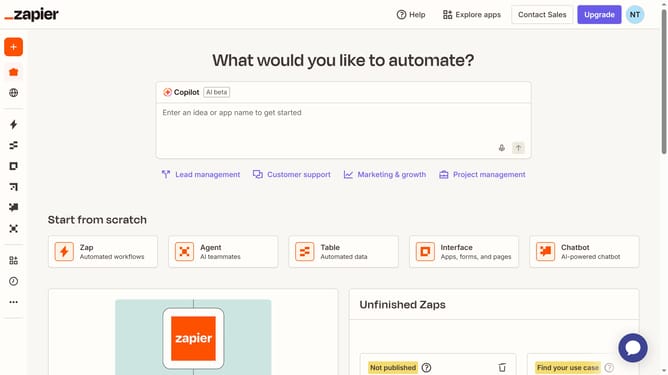
- First click on "Assets" in the left sidebar
- Then click on "Chatbots" in the left sidebar menu
- Next click on the chatbot link in the chatbots list
- Then click on "Share" button in the top navigation bar
- Next click on "Public Link" tab in the share dialog
- Finally view the public link URL displayed in the dialog
Why should you access public link of the chatbot in Zapier
Zapier is a powerful automation tool that connects your apps to streamline workflows effortlessly.
Accessing the public link of a chatbot within Zapier enhances collaboration by allowing seamless sharing with team members or clients.
By using a public link, feedback and testing become more efficient, enabling faster iterations and improvements.
This feature simplifies the distribution process, fostering communication and ensuring everyone is on the same page.
Last update