How to copy public link of the chatbot in Zapier
Here is how to copy public link of the chatbot in zapier
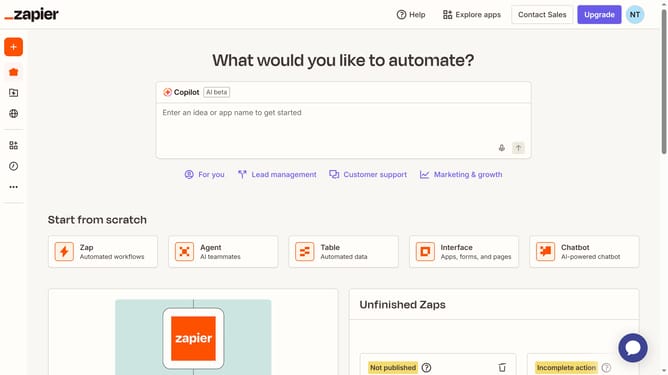
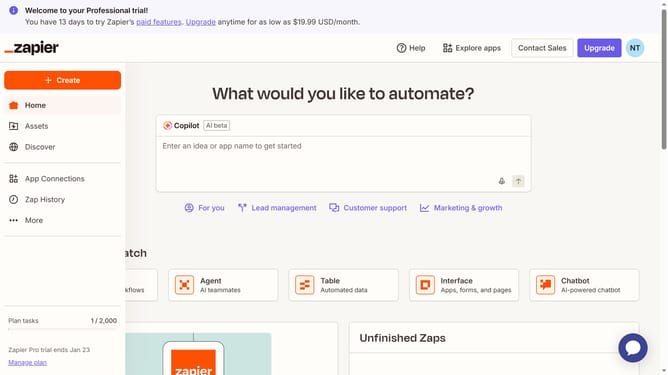
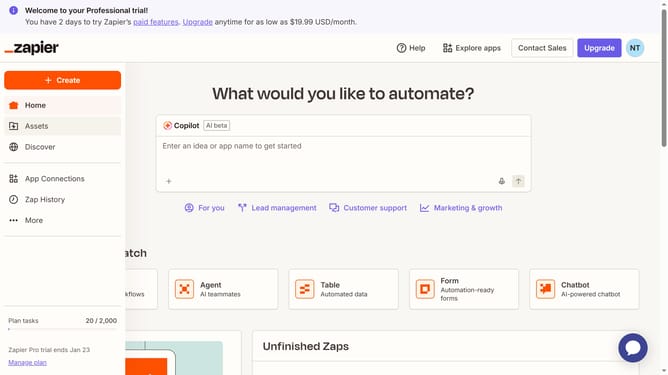
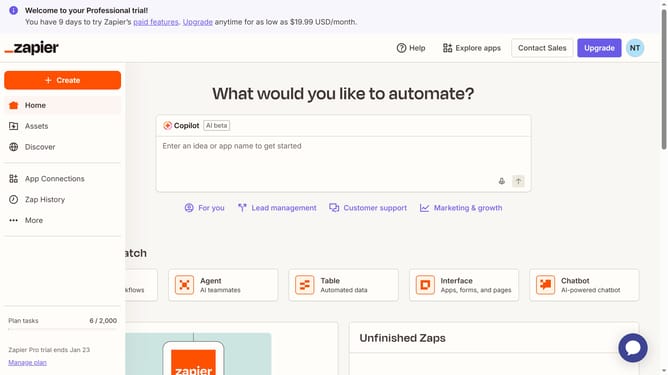
- First click on "Assets" in the left sidebar
- Then click on "Chatbots" in the left sidebar menu
- Next click on the chatbot link in the chatbots list
- Then click on "Share" button in the top navigation bar
- Next click on "Public Link" tab in the share dialog
- Finally click on "Copy link" button to copy the public chatbot link
Why should you copy public link of the chatbot in Zapier
Zapier is a powerful integration platform that connects your favorite apps, automating workflows effortlessly.
The feature to copy a public link of the chatbot in Zapier enhances collaboration and accessibility. By giving team members or clients a direct URL, you ensure streamlined communication and instant access to important interactions.
Using this feature supports seamless sharing of data and boosts productivity, making teamwork efficient and unhindered by technical barriers.
Last update