How to delete a column header in a table in Zapier
Here is how to delete a column header in a table in zapier
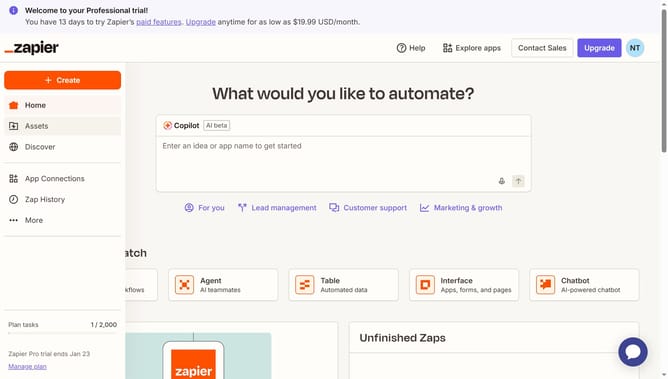
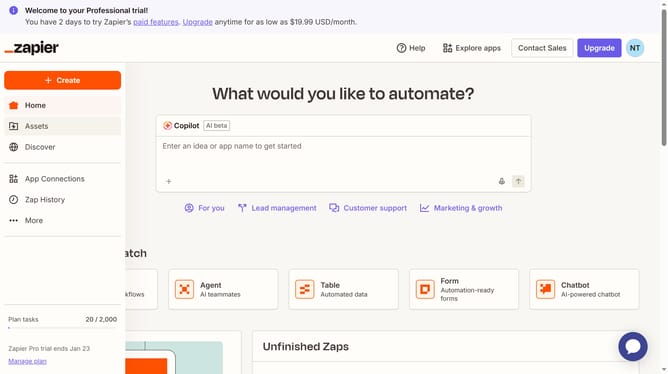
- First click on "Assets" in the left sidebar navigation menu
- Then click on "Tables" in the left sidebar submenu under Assets
- Next click on the table name from the list of tables
- Then click on the column header that you want to delete to open the field options menu
- Next click on "Edit field" option from the dropdown menu
- Then click on "Delete this field" button in the Danger zone section
- Finally click on "Delete" button in the confirmation dialog to confirm field deletion
Why should you delete a column header in a table in Zapier
Zapier is a powerful automation tool that connects your favorite apps and services, streamlining workflows and saving you time.
The feature to delete a column header in a table on Zapier is straightforward yet immensely efficient. It allows users to adjust their data structures according to their specific needs, ensuring cleaner and more organized datasets.
This capability is beneficial for maintaining clarity and focus in your automated processes, which can lead to enhanced productivity and more accurate data analysis.
Last update