How to add a URL field in a form in Zapier
Here is how to add a url field in a form in zapier
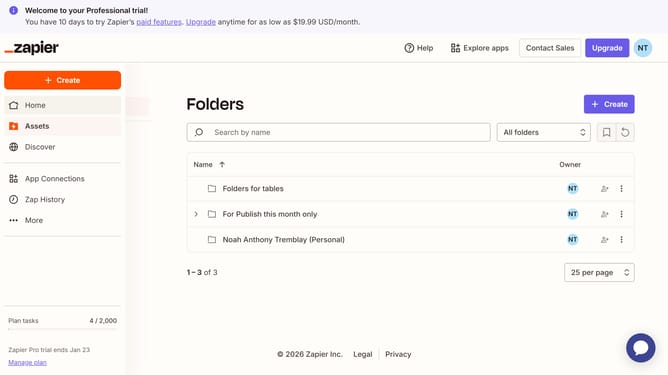
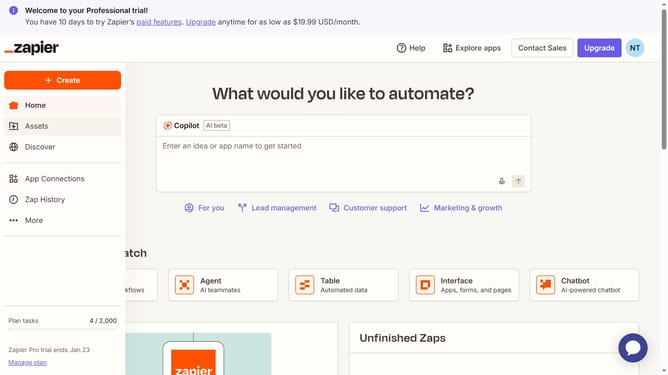
- First click on "Assets" in the left sidebar navigation menu
- Then click on "Forms" in the left sidebar navigation menu
- Next click on the form you want to edit from the list to open it
- Then click on the tab in the page tabs navigation
- Next click on "Add field" button in the form editor toolbar
- Then enter your preferred field name in the "Field name in Table" text input field
- Next click on the "Type" dropdown menu to expand field type options
- Then select "URL" option from the field type dropdown menu
- Finally click on "Create field" button to save the new field
Why should you add a URL field in a form in Zapier
Zapier seamlessly connects apps and automates workflows to save you time and effort.
Adding a URL field in a form within Zapier enhances data collection, enabling users to link directly to resources or websites. This feature aids in efficiently gathering valuable information from respondents, streamlining your workflow even further.
By integrating URL fields, businesses can enrich their data insights and provide respondents with the ability to reference external materials effortlessly, fostering a more informed and dynamic interaction. This addition exemplifies Zapier's commitment to flexible and robust automation solutions.
Last update