How to add an email field in a table in Zapier
Here is how to add an email field in a table in zapier
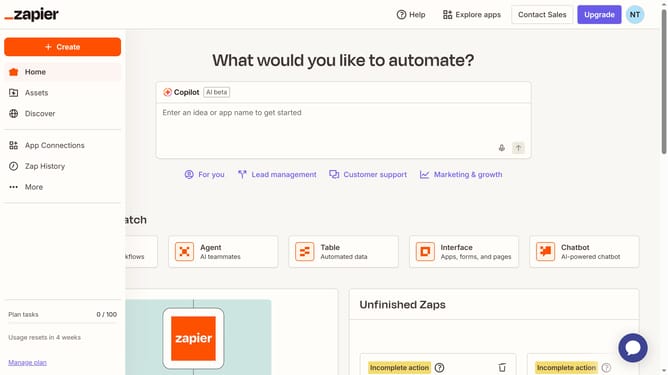
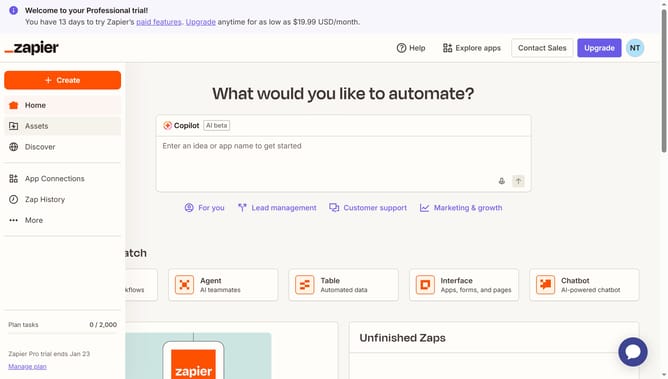
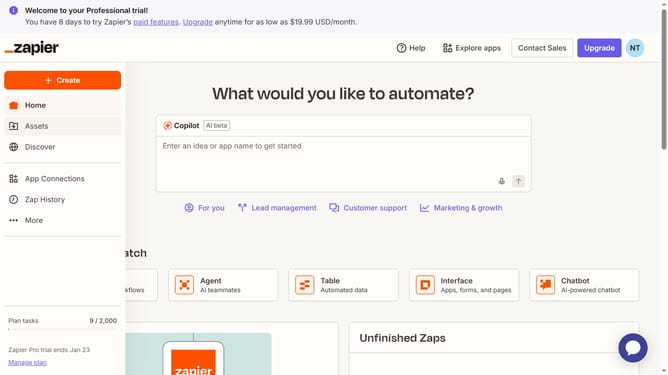
- First click on "Assets" in the left sidebar navigation menu
- Then click on "Tables" in the left sidebar submenu under Assets
- Next click on the table link from the tables list
- Then click on "Add field" button in the table header
- Next click on "Email" field type option from the dropdown menu
- Then enter the header name in the field name input box in the Create field panel
- Finally click on "Create" button to create the new email field
Why should you add an email field in a table in Zapier
Zapier is a powerful automation tool that seamlessly connects your apps to share data without manual effort.
Adding an email field in a table on Zapier streamlines communication and efficiently captures essential contacts directly from automated processes. This feature ensures that crucial email data is organized, accessible, and ready for integration into your workflows.
The inclusion of an email field minimizes errors and enriches data-driven decisions, nurturing seamless connectivity across your digital operations.
Last update