How to remove all scheduled knowledge source sync in chatbot in Zapier
Here is how to remove all scheduled knowledge source sync in chatbot in zapier
- First click on "Assets" in the left sidebar navigation menu
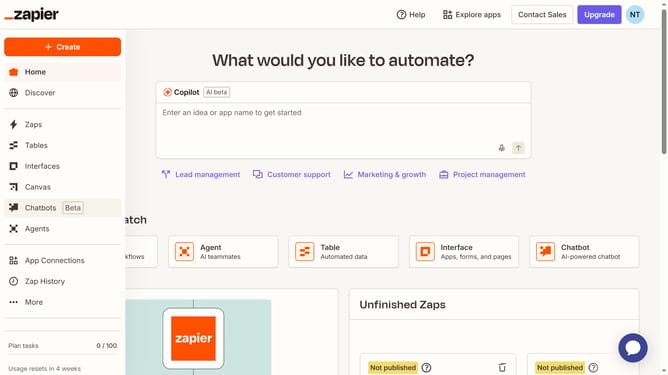
- Then click on "Chatbots" in the left sidebar submenu under Assets
- Next click on the chatbot name link in the chatbots list table
- Then click on "Knowledge" in the left sidebar Build section
- Next click on "Schedule all" button in the Knowledge sources section
- Then click on "Remove all schedules" link in the schedule editing modal
- Finally click on "Remove" button in the confirmation dialog
Why should you remove all scheduled knowledge source sync in chatbot in Zapier
Zapier is an innovative platform that automates workflows by connecting your apps and services to streamline tasks seamlessly.
Removing all scheduled knowledge source sync in a chatbot on Zapier enhances operational efficiency by ensuring that only relevant data is synced when needed. This feature is beneficial for maintaining an organized flow of up-to-date information without unnecessary updates cluttering the system.
Embracing this functionality allows for more precise control over your bot’s data integration paths, leading to a cleaner, more responsive performance that contributes to a more engaging user experience.
Last update