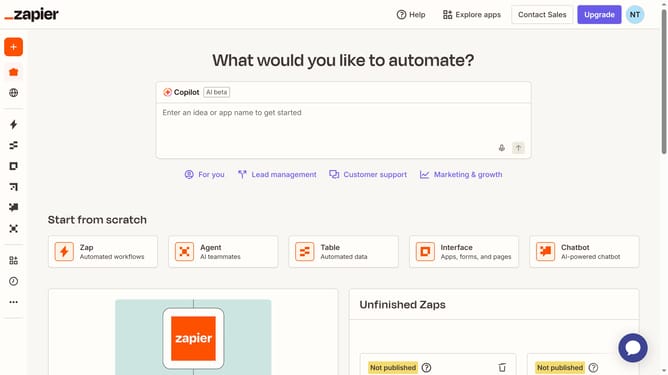
How to replace app connection in the free plan in Zapier
Here is how to replace app connection in the free plan in zapier
- First click on "App Connections" in the left sidebar to navigate to the connections management page
- Then click on the three dots icon for the app connection you want to replace
- Next click on "Replace connection" option from the dropdown menu that appears
- Then click on "Replace connection" button in the confirmation dialog to proceed with replacing the connection
- On the Google sign-in page, select the desired Google account from the account list
- Then click on "Continue" button to confirm signing back in to Zapier with the selected Google account
- Finally click on "Continue" button to grant Zapier access to your Google Account and complete the connection replacement
Why should you replace app connection in the free plan in Zapier
Zapier is an automation tool that seamlessly connects your apps and makes workflows effortless.
In the free plan of Zapier, replacing an app connection enhances workflow flexibility. This feature allows you to switch apps within your Zaps without starting from scratch, ensuring continuity in your processes.
Adjusting app connections boosts efficiency, as it optimizes task automation by integrating new tools with ease. This adaptability is an asset, offering more control over your automated workflows while maintaining simplicity.
Last update