How to set daily all knowledge sync in chatbot in Zapier
Here is how to set daily all knowledge sync in chatbot in zapier
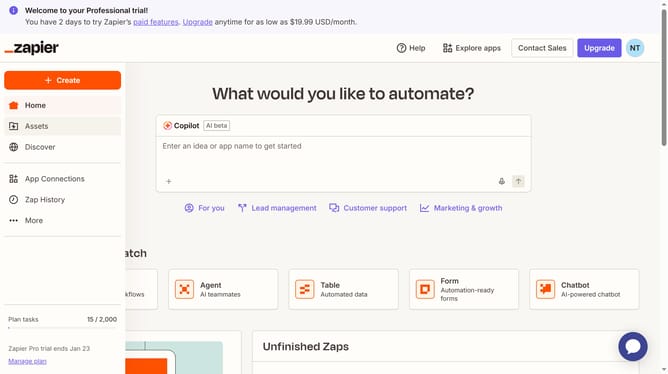
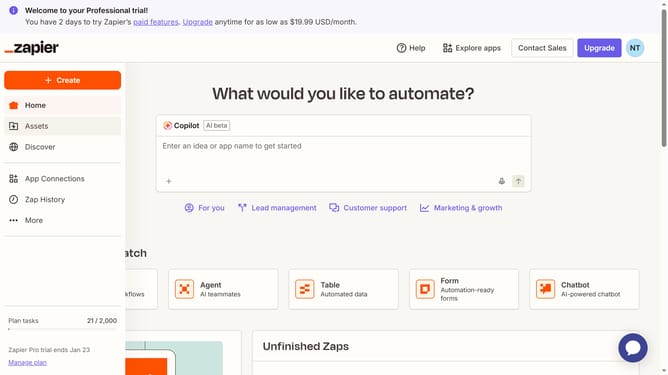
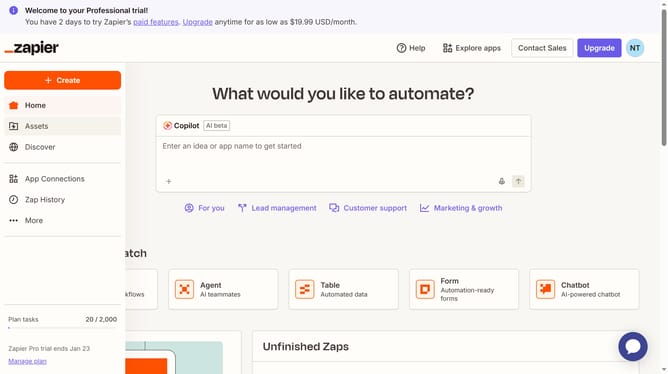
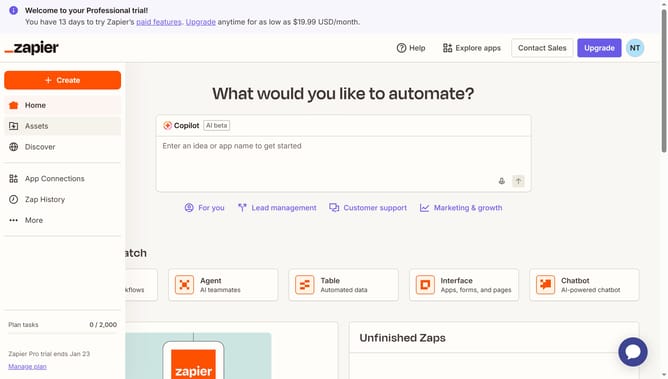
- First click on "Assets" in the left sidebar navigation menu
- Then click on "Chatbots" in the left sidebar navigation menu
- Next click on the chatbot link in the chatbots list
- Then click on "Knowledge" in the left sidebar navigation menu under the Build section
- Next click on "Schedule all" button in the knowledge sources section
- Then click on the "Frequency" dropdown menu in the schedule dialog
- Next select "Daily" option from the frequency dropdown menu
- Then click on the "Between" time range dropdown menu
- Next select a time slot from the dropdown options
- Finally click on "Save" button to confirm the schedule changes
Why should you set daily all knowledge sync in chatbot in Zapier
Zapier is a dynamic automation tool that effortlessly connects your apps to streamline workflows.
Setting a daily all-knowledge sync in a chatbot via Zapier ensures your bot is always up-to-date with the latest information. This feature empowers your chatbot to deliver accurate and timely responses, enhancing user satisfaction.
Regular synchronization fosters a seamless experience for users and minimizes manual updates, saving you time and energy while optimizing your operational efficiency.
Last update